This Template at a Glance
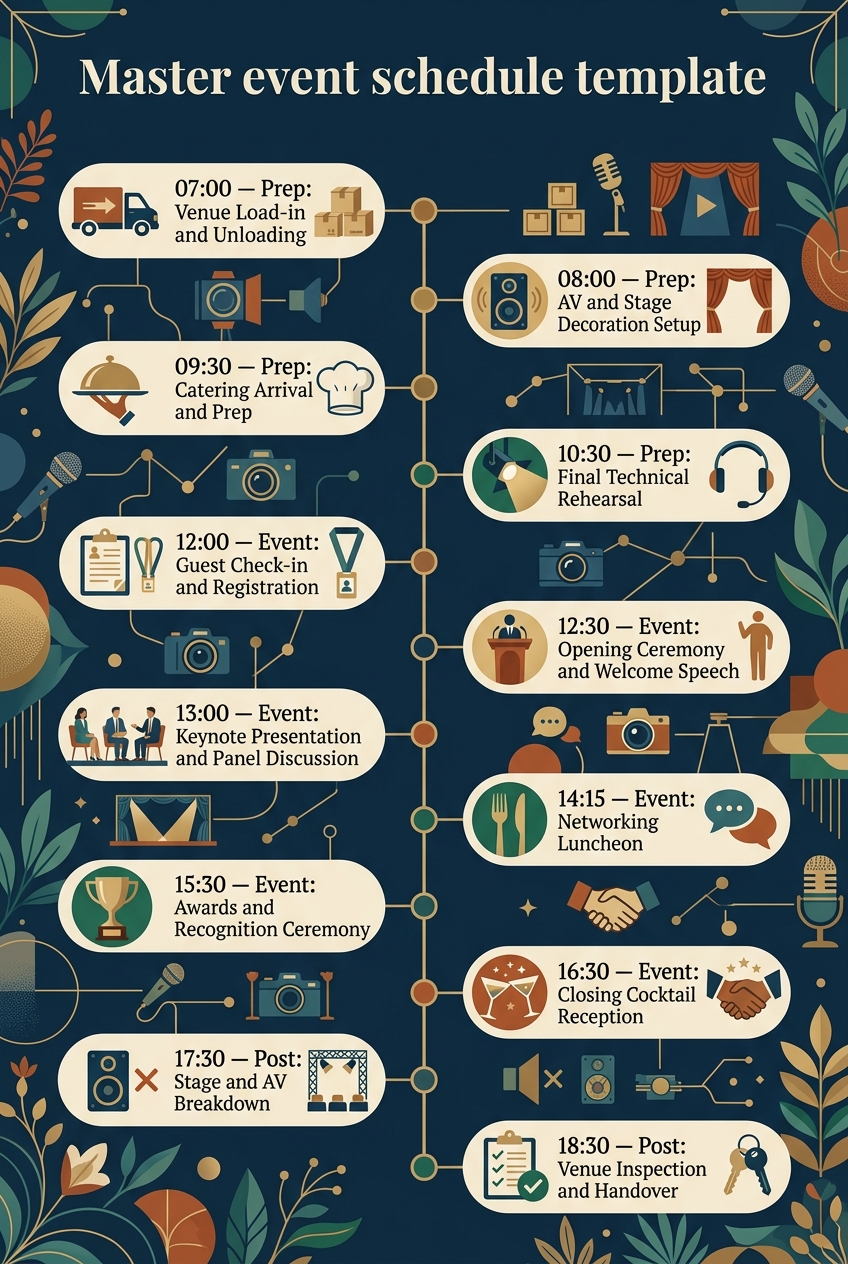
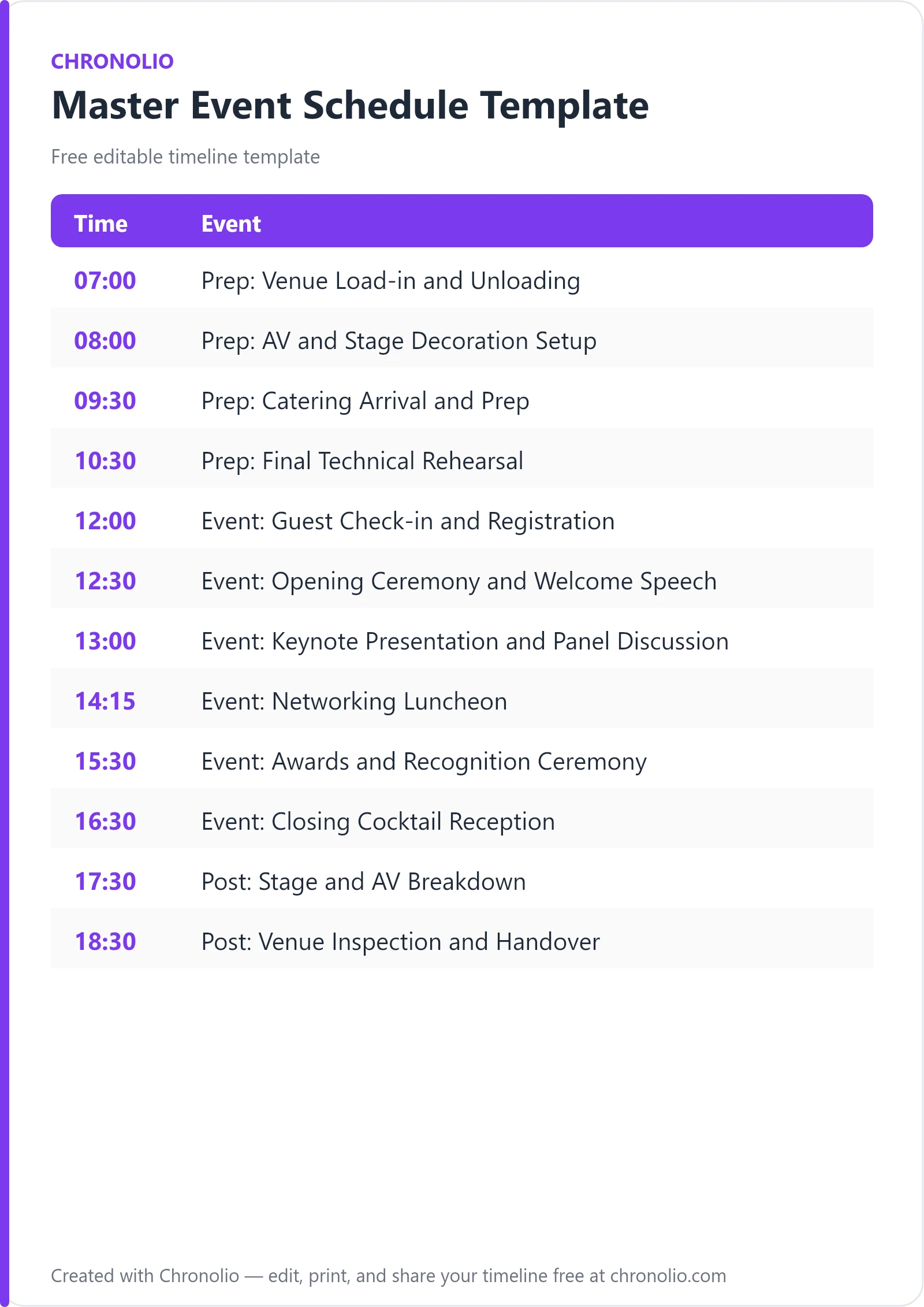
Here is the complete schedule this free template gives you — every time block, ready to edit, download, and share:
| Time | Event |
|---|---|
| 07:00 | Prep: Venue Load-in and Unloading |
| 08:00 | Prep: AV and Stage Decoration Setup |
| 09:30 | Prep: Catering Arrival and Prep |
| 10:30 | Prep: Final Technical Rehearsal |
| 12:00 | Event: Guest Check-in and Registration |
| 12:30 | Event: Opening Ceremony and Welcome Speech |
| 13:00 | Event: Keynote Presentation and Panel Discussion |
| 14:15 | Event: Networking Luncheon |
| 15:30 | Event: Awards and Recognition Ceremony |
| 16:30 | Event: Closing Cocktail Reception |
| 17:30 | Post: Stage and AV Breakdown |
| 18:30 | Post: Venue Inspection and Handover |
What Is a Master Event Schedule Template?
A master event schedule template is a comprehensive operational roadmap that orchestrates every phase of an event—from early morning venue load-in and technical sound checks through live keynote presentations to post-event teardown and site handover. Unlike a public guest agenda that only lists main presentation start times, a master schedule captures the complete operational lifecycle, unifying front-of-house attendee activities with back-of-house production logistics, catering prep, and facility management. This unified master document gives stage managers, AV engineers, catering leads, and venue operators a single source of truth for every shift, cue, and transition throughout the day.
Having managed dozens of corporate summits, galas, and complex multi-vendor productions, I can share that real-world event execution succeeds or fails in the transitions. This template reflects real-world event structures and common best practices honed across high-volume commercial venues, ensuring your production team anticipates potential bottlenecks before doors open. Whether you are executing a high-stakes corporate conference, organizing a gala, or tailoring logistics for a board meeting timeline template, having an integrated master schedule prevents forgotten operational steps and eliminates frantic scrambling on event morning.
Customize Your Master Event Schedule
Why Master Event Schedules Need a Timeline
Without a centralized schedule, vendor misalignment creates immediate domino delays. The audio-visual team might arrive expecting main stage access while decor crews are still assembling backdrops, or caterers may serve hot meals before keynote speakers have concluded their remarks. A master event schedule timeline establishes clear operational boundaries and shared time commitments, allowing every department head to see how their work impacts the rest of the production.
Furthermore, a detailed master timeline provides critical accountability during high-stress live moments. When every check-in window, presentation, awards segment, and cocktail transition has a designated start time and venue location, event directors can spot delayed segments early and make real-time adjustments without disrupting the attendee experience. You can easily download our ready-to-use version as a master event schedule DOCX file or grab the master event schedule PDF version for printed binder copies on site.
Finally, an end-to-end master schedule builds confidence across venue operators and key stakeholders. Facilities managers know exactly when loading docks will be occupied, security teams know when registration doors open, and corporate executives know precise stage entrance times. This level of planning transforms a chaotic multi-vendor environment into a polished, professional operation.
What to Include in a Master Event Schedule Template
A complete master schedule must bridge the gap between operational setup and guest-facing activities. To keep all operational teams synchronized, your template should incorporate:
- Load-in and vendor access windows: Specific dock arrival times, staging logistics, security clearances, and equipment unload periods.
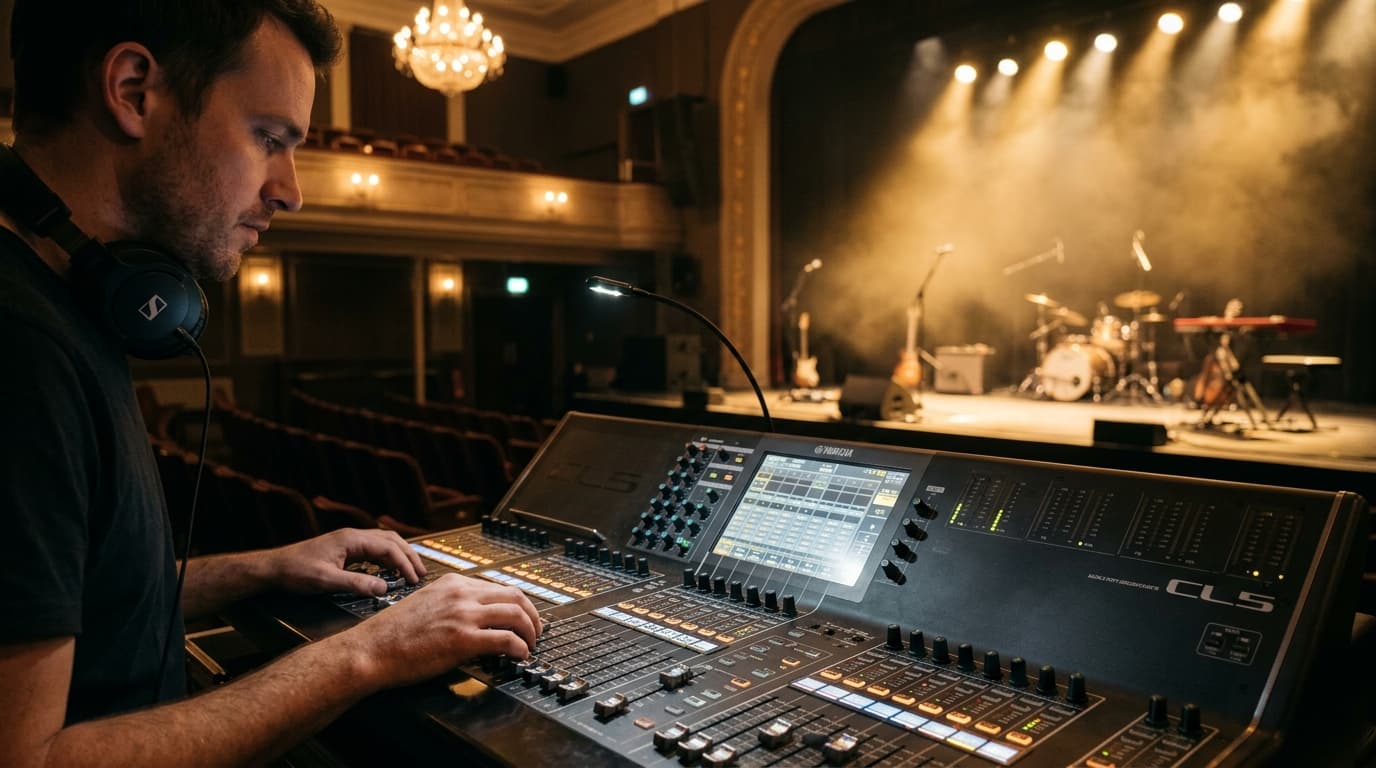
- Technical setup and rehearsals: Audio-visual rig positioning, lighting focus, microphone checks, slide deck testing, and coordinator cue reviews.
- Catering and back-of-house prep: Kitchen prep start times, warming unit checks, welcome drink preparation, and buffet line positioning.
- Front-of-house registration: Door opening times, guest registration desks, badge collection, and lobby queue management.
- Live program sequences: Opening remarks, keynote speakers, panel Q&A sessions, awards presentations, and networking blocks.
- Post-event strike and teardown: Stage disassembly, AV equipment packing, rental furniture load-out, and freight clearing.
- Venue inspection and handover: Formal facility walk-throughs, site condition checks, damage reviews, and key card returns to venue management.
Pre-Event Load-in and Technical Preparation
| Time | Event |
|---|---|
| 07:00 | Prep: Venue Load-in and Unloading |
| 08:00 | Prep: AV and Stage Decoration Setup |
| 09:30 | Prep: Catering Arrival and Prep |
| 10:30 | Prep: Final Technical Rehearsal |
The early morning hours set the foundation for the entire event day. Commencing load-in at 07:00 at the Grand Ballroom Loading Dock ensures heavy freight, staging elements, and signage arrive before municipal traffic builds up and before guest access points open. Having security check in vendor personnel at dock entry maintains strict site access security while allowing production crews to unload staging equipment and furniture efficiently.
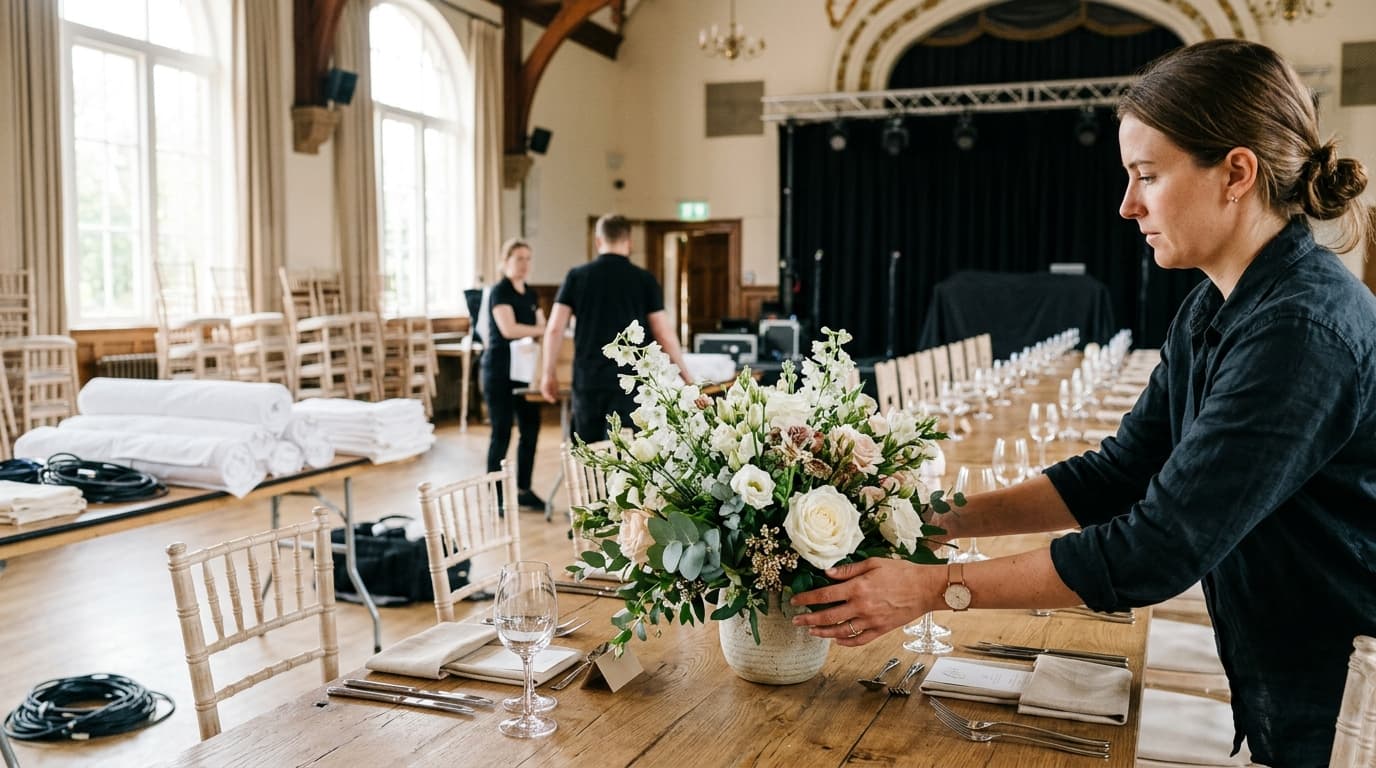
By 08:00, the focus shifts to technical construction and hall aesthetics. Technicians build the main stage backdrop and position lighting rigs in the Main Stage and Auditorium, while florists and branding teams arrange floral pieces and banners across the hall. Bringing culinary staff into the Banquet Kitchen and Foyer at 09:30 provides a full hour and a half to test refrigeration units and food warmers and set up welcome drink stations prior to the final 10:30 technical rehearsal. This dedicated rehearsal block gives audio engineers, speakers, and event coordinators time to run full microphone checks, test slide decks, and confirm the final cue sheet without guest interruption.
Main Event Execution and Guest Experience
| Time | Event |
|---|---|
| 12:00 | Event: Guest Check-in and Registration |
| 12:30 | Event: Opening Ceremony and Welcome Speech |
| 13:00 | Event: Keynote Presentation and Panel Discussion |
| 14:15 | Event: Networking Luncheon |
| 15:30 | Event: Awards and Recognition Ceremony |
| 16:30 | Event: Closing Cocktail Reception |
Opening doors at 12:00 in the Main Entrance Foyer gives attendees a relaxed 30-minute window to check in, collect name badges, grab welcome beverages, and move into the auditorium. Transitioning directly into the 12:30 opening ceremony allows the master of ceremonies and executive leadership to set an energetic tone and outline the agenda while the audience is fresh and seated.
The program moves seamlessly into the 13:00 keynote presentation and interactive panel discussion on the Auditorium Main Stage, utilizing live Q&A submission tools to maintain audience engagement. Following an intense morning session, the 14:15 networking luncheon in the Grand Dining Hall offers a 75-minute window for informal networking over a catered buffet lunch, supported by background instrumental music. Re-engaging guests at 15:30 with the awards ceremony creates an uplifting afternoon high point, culminating in the 16:30 closing cocktail reception in the Terrace Lounge where organizers hand out thank-you gifts. Similar structured phase transitions work remarkably well across milestone social events, such as a birthday party timeline template or an anniversary party schedule template.
Post-Event Teardown and Site Handover
| Time | Event |
|---|---|
| 17:30 | Post: Stage and AV Breakdown |
| 18:30 | Post: Venue Inspection and Handover |
As guests depart from the cocktail reception at 17:30, production technicians immediately begin dismantling audio-visual systems, lighting rigs, and stage backdrop elements in the Auditorium. Distinguishing clearly between guest departure and active load-out prevents safety hazards and ensures rental furniture is packed securely onto transport vehicles without obstructing public exits.
The final hour from 18:30 to 19:30 is dedicated to operational wrap-up in the Venue Operations Office. Conducting a joint walkthrough with facility managers allows the event manager to verify clean-up standards and assess venue condition, document any pre-existing or new damage, and officially return venue keys and security badges.
Master Event Schedule Template vs Event Run Sheet
While event planners frequently use operational terms interchangeably, understanding the distinction between a master event schedule and a tactical run sheet (or cue sheet) ensures your production team uses the right tool for the job.
| Operational Aspect | Master Event Schedule | Event Run Sheet |
|---|---|---|
| Primary Scope | Full end-to-end timeline across Prep, Event, and Post phases | Minute-by-minute live stage execution and technical cues |
| Target Audience | Lead planners, venue leads, caterers, security, and client leads | Stage managers, AV technicians, lighting operators, and MC |
| Level of Detail | Operational milestones, vendor windows, and major agenda blocks | Precise audio track numbers, lighting cues, and mic channels |
| Primary Function | Multi-department coordination and venue facility management | Directing live show flow, stage entries, and media playback |
A master event schedule provides the overarching bird's-eye view of dock access, catering logistics, speaker sessions, and venue handover. In contrast, an event run sheet focuses strictly on minute-by-minute technical execution while the stage is live. Leading industry organizations like Meeting Professionals International (MPI) stress the importance of maintaining both tools so overall facility coordination never compromises stage management precision.
Who Should Use This Template?
This master event schedule template is designed for event professionals and project managers who oversee complex, multi-vendor events requiring strict schedule coordination. It is ideal for:
- Corporate Event Planners & Directors: Organizing corporate conferences, product launches, shareholder meetings, and summits.
- Venue Operators & Facility Managers: Coordinating loading dock access, staff shifts, room setups, and security checks.
- Production & AV Managers: Structuring equipment load-in, lighting rigs, audio checks, and post-show strike.
- Catering & Hospitality Directors: Managing kitchen prep times, meal service execution, bar setups, and station teardown.
- Non-Profit & Gala Committees: Aligning award presentations, silent auctions, keynote speakers, and reception logistics.
- Private Event Coordinators: Adapting structural timeline principles for milestone family gatherings, such as a baby shower timeline template.
Chronolio supports the different roles involved in executing professional events, ensuring each stakeholder gets the exact schedule clarity they need to perform their duties seamlessly.
How to Use This Template
- Download or duplicate the template: Select our editable online template or download the DOCX or PDF format.
- Set your core event parameters: Input your event date, venue facility locations, loading dock constraints, and doors-open time.
- Adjust phase durations for your scale: Expand or condense setup and teardown blocks based on your AV complexity and vendor contract hours.
- Assign department leads and locations: Specify responsible teams (AV, Catering, Facilities, Security) and exact room names for every single row.
- Distribute to all stakeholders: Share the master timeline with vendors, venue managers, and key client personnel at least one week prior to event day.
Tips for Running a Master Event Schedule
- Build in realistic operational buffers: Always allocate at least 20% to 30% more time for technical rehearsals and load-in than vendors estimate.
- Conduct a unified pre-con meeting: Gather key department heads 24 to 48 hours before event day to review handoff moments in the schedule.
- Establish a clear chain of command: Designate who has the sole authority to hold or accelerate timing if a keynote presentation runs long.
- Synchronize back-of-house with front-of-house: Ensure catering staff know exact stage program start times to prevent noisy plate clearing during quiet speeches.
- Designate dedicated dock leads: Assign a team member to manage loading dock traffic so freight trucks don't block one another during morning load-in.
- Keep hard copies on site: Digital schedules are vital, but having printed, laminated schedule binders in production offices guarantees continuity if local Wi-Fi drops.
- Review industry best practices: Outlets like BizBash offer great insights on managing attendee flow, floorplans, and live event logistics.
Common Mistakes to Avoid
- Ignoring loading dock restrictions: Scheduling multiple vendor delivery trucks to arrive at the loading dock simultaneously causes severe traffic jams.
- Omitting technical rehearsal time: Skipping full microphone and slide deck checks leads to awkward technical glitches in front of live attendees.
- Underestimating strike and teardown duration: Dismantling trussing and sound systems often takes longer than planned; failing to schedule enough post-event time causes costly venue overtime fees.
- Failing to broadcast real-time updates: Making live timing changes without immediately alerting catering or AV teams leads to missed meal cues or dropped lighting calls.
- Overcrowding the live agenda: Packing too many back-to-back presentations without short bio breaks causes attendee fatigue and guarantees schedule slip.
- Skipping formal venue inspection: Leaving the venue without a documented joint walk-through with facility managers can trigger disputed damage fees or lost security deposits.
In Summary
- End-to-end coverage: A master event schedule template coordinates the entire event lifecycle from 07:00 venue load-in to 19:30 final site handover.
- Three structured phases: Logically separates tasks into Prep, Event, and Post phases to keep operational setup, live program execution, and breakdown distinct.
- Cross-department alignment: Unifies AV engineers, caterers, stage managers, venue operators, security, and keynote speakers under one master plan.
- Risk mitigation: Eliminates loading dock bottlenecks, audio checks in front of guests, meal service delays, and post-event overtime penalties.
- Broad versatility: Serves corporate event planners, venue managers, production directors, galas, and private event coordinators alike.
- Multiple accessible formats: Available as a fully customizable web schedule and downloadable DOCX and PDF templates for immediate operational deployment.
Whether you are managing a high-stakes corporate conference, an executive summit, or adjusting logistics for milestone private events, maintaining a structured, end-to-end schedule is the ultimate secret to flawless execution. Customize your timeline online today, share it with your team, and deliver a seamless event from dock load-in to final handover.
Customize Your Master Event Schedule