This Template at a Glance
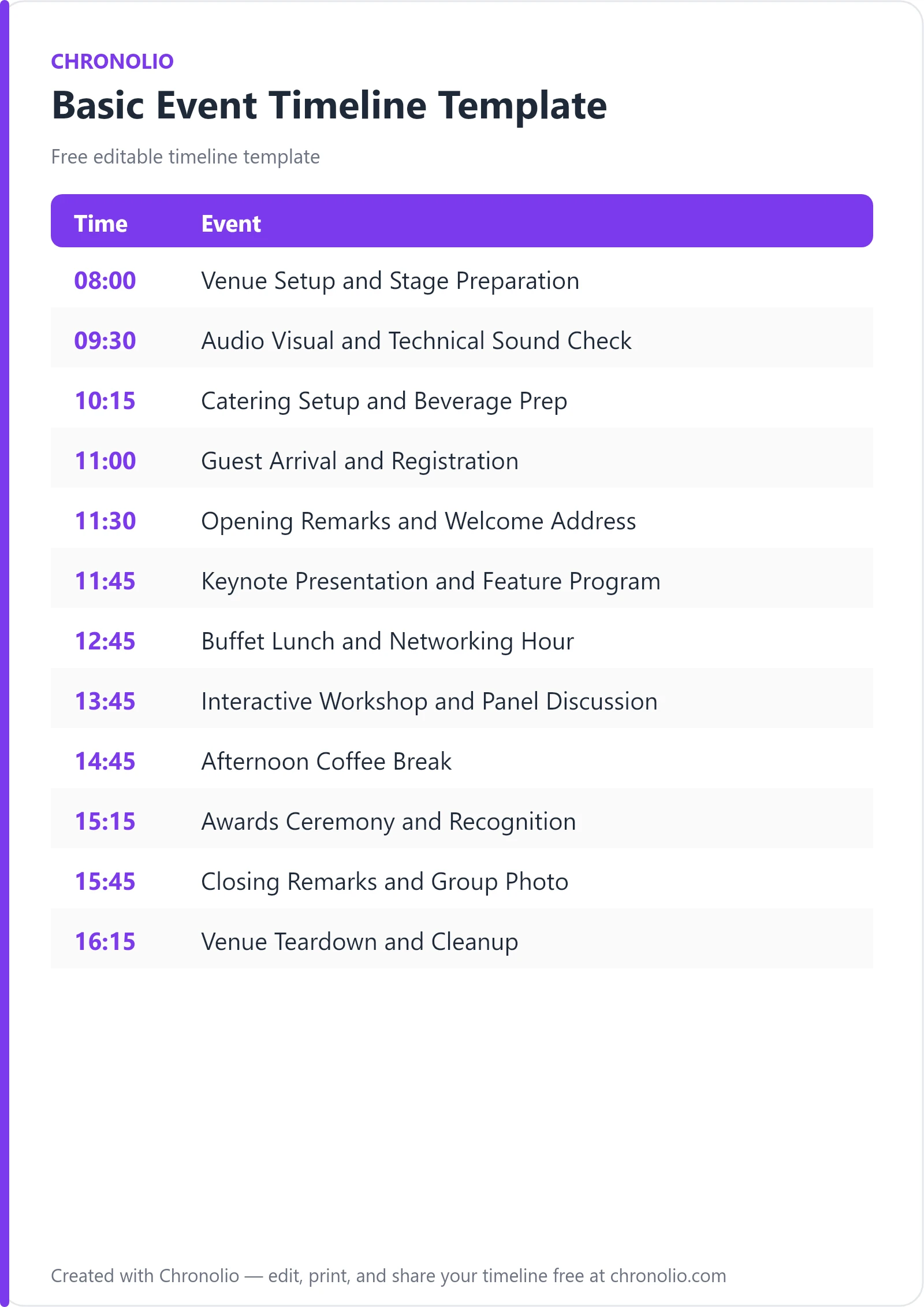
Here is the complete schedule this free template gives you — every time block, ready to edit, download, and share:
| Time | Event |
|---|---|
| 08:00 | Venue Setup and Stage Preparation |
| 09:30 | Audio Visual and Technical Sound Check |
| 10:15 | Catering Setup and Beverage Prep |
| 11:00 | Guest Arrival and Registration |
| 11:30 | Opening Remarks and Welcome Address |
| 11:45 | Keynote Presentation and Feature Program |
| 12:45 | Buffet Lunch and Networking Hour |
| 13:45 | Interactive Workshop and Panel Discussion |
| 14:45 | Afternoon Coffee Break |
| 15:15 | Awards Ceremony and Recognition |
| 15:45 | Closing Remarks and Group Photo |
| 16:15 | Venue Teardown and Cleanup |
What Is a Basic Event Timeline Template?
A basic event timeline template is an essential operational roadmap that details the precise chronological sequence of activities required to execute a successful event. It bridges the gap between high-level event planning and real-time operational execution by detailing every critical touchpoint from early morning venue load-in to evening site clearance.
Having managed hundreds of hall rentals, multi-speaker summits, and community galas, I can tell you that unstructured time is the enemy of a smooth event. Without a central run-of-show document, technical sound checks overlap with caterer load-ins, keynote speakers run over their allotted slots, and venue teardown becomes a chaotic rush against strict overtime fees.
This master outline incorporates proven industry best practices to keep your production team, AV crews, caterers, and presenters perfectly aligned throughout the entire day.
Use This Basic Event Timeline Template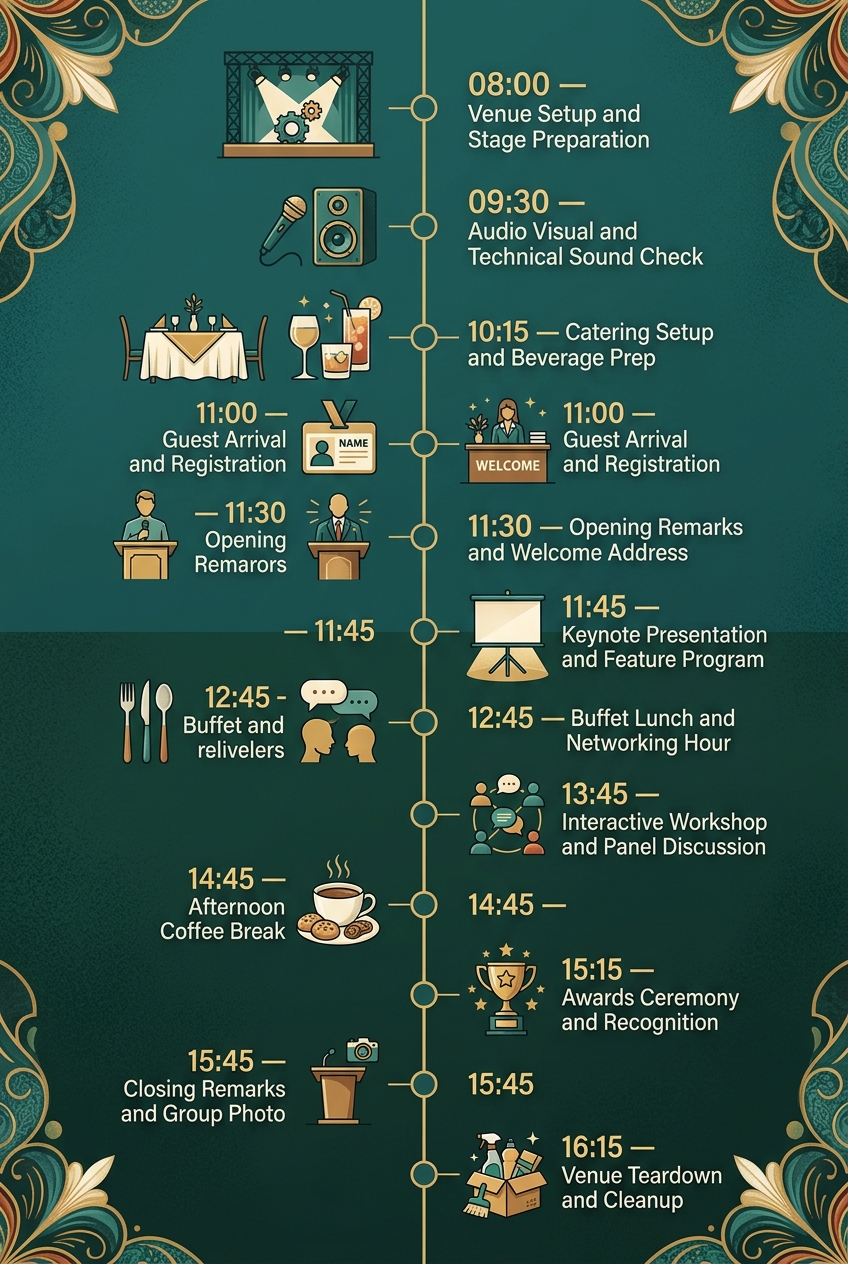
Why Events Need a Timeline
Running an event without a master schedule is like flying a commercial aircraft without a flight plan. Even small events involve multiple moving parts and independent vendors who must execute their tasks in harmony. A structured timeline establishes clear expectations for call times, delivery windows, and cue points so your team operates as a cohesive unit.
Beyond vendor coordination, a well-balanced timing framework directly elevates the guest experience. When registration flows cleanly, meals serve on schedule, and speaker transitions occur smoothly, attendees remain engaged and energized rather than frustrated by unexplained delays.
Finally, having a published master timeline provides essential accountability and risk management. If a technical glitch delays your morning keynote, an established schedule allows you to identify built-in buffer times and recalculate the afternoon flow without sacrificing high-value program highlights.
What to Include in a Basic Event Timeline
To keep your event running like clockwork, your operational schedule should account for every phase of the event lifecycle:
- Pre-event site prep: Floorplan arrangement, physical staging, banner placement, and furniture alignment.
- Technical checks: Audio-visual testing, microphone gain adjustments, slide deck rehearsals, and lighting checks.
- Hospitality setup: Foyer staging, coffee station installation, and catering service prep.
- Guest arrival and check-in: Registration desk operations, name badge distribution, and lobby background music.
- Formal program blocks: Opening welcome remarks, keynote speakers, interactive panel discussions, and Q&A.
- Meal and networking breaks: Catered buffet service, coffee breaks, and dedicated networking windows.
- Special recognition segments: Awards presentations, ceremonial photos, and closing sponsor acknowledgments.
- Post-event load-out: AV breakdown, decor pack-up, venue cleaning, and final site inspection walkthroughs.
Pre-Event Setup and Technical Prep
| Time | Event |
|---|---|
| 08:00 | Venue Setup and Stage Preparation |
| 09:30 | Audio Visual and Technical Sound Check |
| 10:15 | Catering Setup and Beverage Prep |
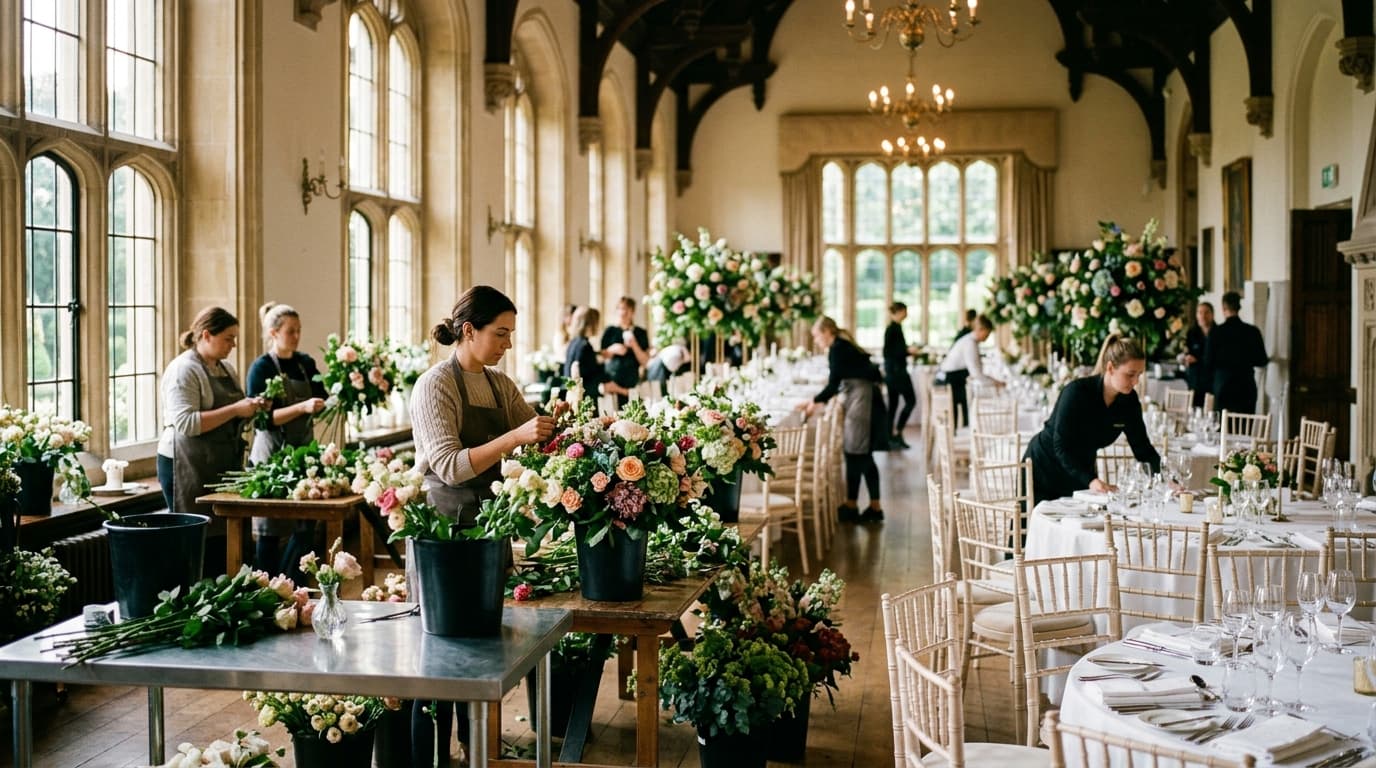
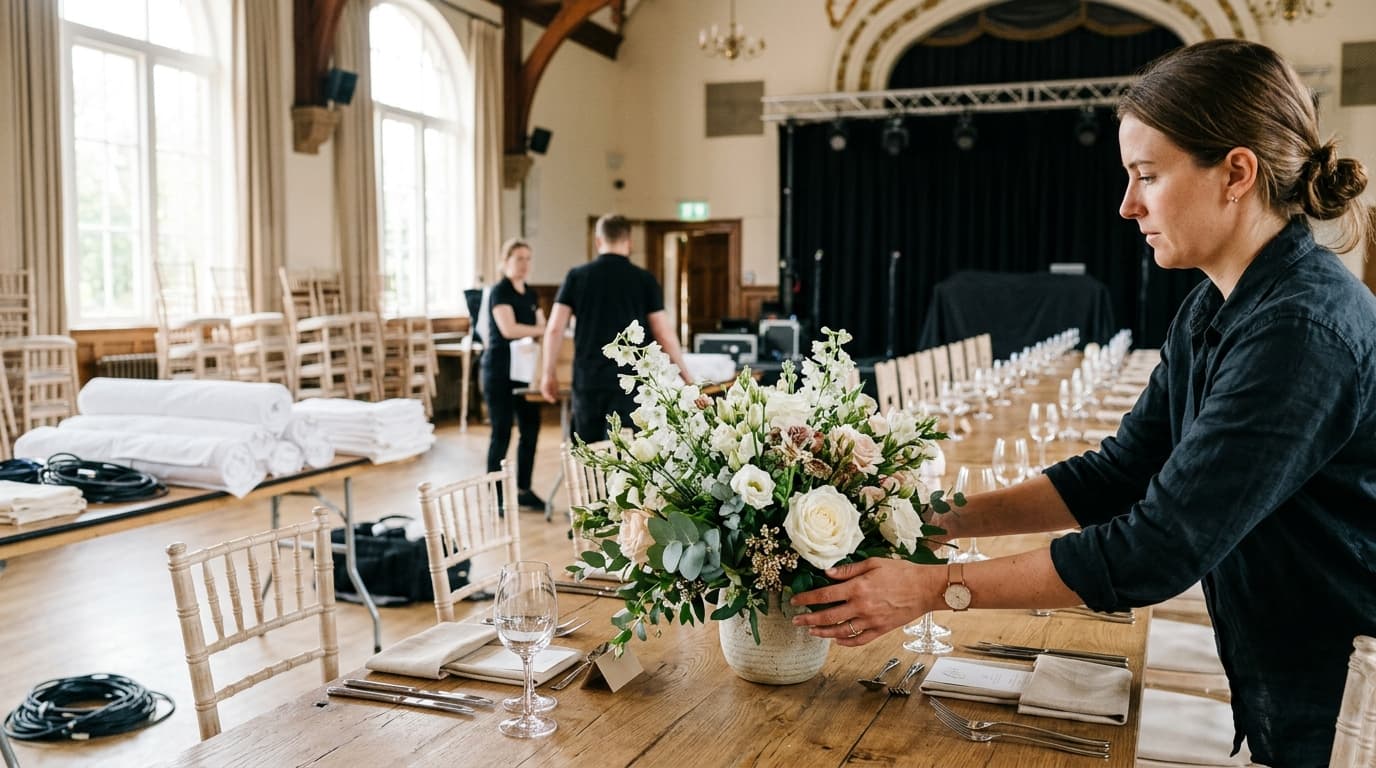
The success of any daytime function is decided long before your first guest steps through the lobby doors. Beginning at 08:00 in the Main Ballroom, your core event crew handles heavy staging, furniture layouts, and banner displays. Allowing a dedicated 90-minute block for physical setup ensures that all signage and seating rows are completely secured before technical production equipment starts moving through high-traffic doors.
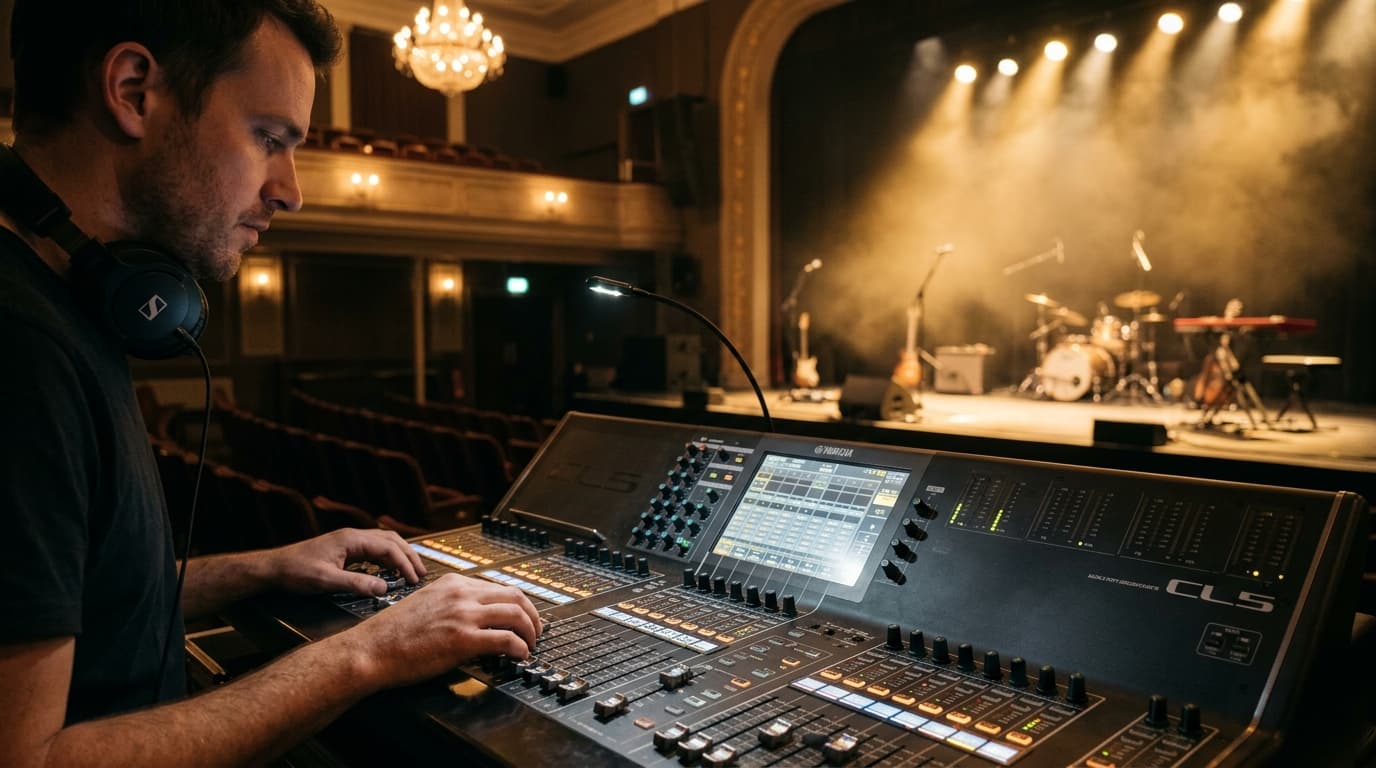
At 09:30, focus shifts immediately to the Main Stage for production checks. AV technicians test cordless lavaliers, handheld microphones, projector resolutions, and lighting rigs while presenters perform brief stage walkthroughs. Concurrently at 10:15, the food service team enters the Dining Foyer to establish welcome beverage stations, ensuring fresh coffee and breakfast bites are fully prepped before early arrivals land.
Guest Arrival and Morning Keynote
| Time | Event |
|---|---|
| 11:00 | Guest Arrival and Registration |
| 11:30 | Opening Remarks and Welcome Address |
| 11:45 | Keynote Presentation and Feature Program |
Doors open officially at 11:00 in the Front Lobby. Attendees check in at registration tables, collect name badges and welcome packets, and mingle while light background music sets an inviting atmosphere. Staggering guest arrival 30 minutes prior to house lights going up in the auditorium prevents bottlenecking at registration desks and allows guests to grab beverages comfortably.
Promptly at 11:30, guests transition into the Main Auditorium for opening remarks, housekeeping guidelines, and emergency egress notices delivered by the master of ceremonies. This 15-minute introductory block leads directly into the featured keynote at 11:45. By strictly holding the keynote presentation to 60 minutes, you capture peak audience attention while reserving time for live polling and interactive audience Q&A.
If your event leans heavily on formal corporate governance rather than a public keynote, you can easily pair this schedule structure with our dedicated board meeting timeline template.
Networking Lunch and Interactive Sessions
| Time | Event |
|---|---|
| 12:45 | Buffet Lunch and Networking Hour |
| 13:45 | Interactive Workshop and Panel Discussion |
| 14:45 | Afternoon Coffee Break |
At 12:45, the session transitions into the Dining Foyer for a hot buffet lunch and dedicated networking hour. Structuring a full 60-minute window for lunch is vital—it gives attendees enough time to queue, eat without rushing, visit sponsor booths, and engage in meaningful conversation.
Guests re-enter the Main Auditorium at 13:45 for an engaging breakout panel and interactive workshop. Group facilitators lead attendees through practical exercises to maintain afternoon energy levels. Following this intense mid-day working block, a 30-minute afternoon break at 14:45 in the Dining Foyer offers fresh coffee, tea, and light refreshments, allowing participants to recharge and stretch before the final ceremony.
For social milestone gatherings like banquets, baby showers, or birthday celebrations, timing adjustments around dining can also be cross-referenced with our birthday party timeline template or baby shower timeline template.
Recognition, Closing, and Load-Out
| Time | Event |
|---|---|
| 15:15 | Awards Ceremony and Recognition |
| 15:45 | Closing Remarks and Group Photo |
| 16:15 | Venue Teardown and Cleanup |
The final formal segment begins at 15:15 on the Main Stage with an awards presentation honoring top contributors, partners, and team members. Organizing awards into a streamlined 30-minute block maintains high energy while preserving schedule momentum. At 15:45, organizers deliver closing appreciation remarks, announce upcoming initiatives, and bring honorees together on stage for a official commemorative photo.
Once attendees depart at 16:15, teardown and load-out commence across the Main Ballroom. Venue staff, external decor vendors, and AV technicians dismantle staging, clear lighting rigs, pack equipment cases, and restore the space. Dedicating a full hour to venue clearance ensures a clean site handoff and avoids overtime labor rates.
If you are planning private weekend celebrations or milestone functions instead of corporate workshops, take a look at our anniversary party schedule template or explore our detailed Christian wedding timeline template for managing complex ceremony protocols.
Basic Event Timeline vs Event Running Order
Event planners frequently confuse a master event timeline with a detailed event running order (also known as a run of show or cue sheet). While both documents manage event timing, they serve different operational roles during production.
| Feature | Master Event Timeline | Event Running Order |
|---|---|---|
| Primary Audience | Event leads, client executives, venue managers | Stage managers, AV crew, lighting technicians, MC |
| Level of Detail | High-level schedule blocks (15 to 60 minute increments) | Micro-level technical cues (minute-by-minute or second-by-second) |
| Focus Area | Overall event flow, meal times, keynotes, room movements | Microphones, lighting changes, video roll-outs, slide cues |
| Format | Clean, readable table or visual timeline chart | Technical spreadsheet with multi-column cue tracks |
While the master timeline keeps major stakeholders aligned on the overall macro-schedule, production engineers rely on the granular running order to trigger specific audio cues, spotlight shifts, and screen slide changes.
Who Should Use This Template?
This versatile, adaptable template is designed for event coordinators, facility managers, and organization leaders across diverse sectors. Chronolio natively supports the distinct operational roles involved in scheduling, delivering, and hosting successful events.
- Corporate Event Managers: Planning annual summits, product launches, client appreciation days, and team retreats.
- Non-Profit Directors: Organizing fundraising luncheons, volunteer award ceremonies, and community summits.
- Venue Coordinators & Operators: Providing standardized timing guidelines to clients renting banquet halls, auditoriums, and meeting spaces.
- Workshop Facilitators & Trainers: Structuring full-day educational seminars, bootcamps, and executive training days.
- Agency Producers & PR Professionals: Managing multi-vendor executions, media briefings, and corporate brand activations.
- Private Party Hosts: Setting structured timelines for large milestone anniversaries, birthday galas, and community receptions.
How to Use This Template
- Download or duplicate the template: Open the schedule in Chronolio or download your preferred editable format (Word .docx or Printable PDF).
- Set your core anchor points: Identify fixed times that cannot easily shift, such as caterer delivery windows or venue lease start/end times.
- Customize session duration: Adjust presentation lengths, workshop blocks, and meal durations based on your specific agenda content.
- Assign owner responsibilities: Add specific lead contact names next to every operational block (e.g., AV Lead, Catering Contact, Stage Manager).
- Distribute to vendors and staff: Share final copies with all stakeholders at least 48 to 72 hours prior to load-in so call times are clear.
Tips for a Successful Event
- Build in realistic transitional buffer times: Guests move slower than expected when transitioning between rooms; always pad hall walks with 10 to 15 extra minutes.
- Conduct a joint AV sound check early: Ensure every presenter tests their specific microphone and clicker slide deck before doors open to attendees.
- Brief your Master of Ceremonies on hard stops: Provide your MC with clear visual timecards (5 mins, 2 mins, Wrap Up) to keep presenters on schedule.
- Set up dedicated staging areas for caterers: Confirm food prep tables do not block primary fire exit paths or AV equipment load-in corridors.
- Designate a single source of truth operator: Appoint one event manager who holds sole authority to make real-time schedule adjustments during the day.
- Review professional guidelines: Consult resources like Meeting Professionals International (MPI) for industry standards on room capacity and attendee flow management.
Common Mistakes to Avoid
- Overpacking the agenda: Packing too many presentations into a single morning leads to audience fatigue and inevitable timing overruns.
- Forgetting AV walkthroughs: Skipping stage checks always results in audio feedback, dead clicker batteries, or slide aspect ratio issues.
- Underestimating registration line bottlenecks: Setting up too few check-in desks leads to crowded lobbies and delayed opening addresses.
- Ignoring venue load-out deadlines: Overstaying your contracted venue teardown window can trigger expensive staff overtime charges.
- Failing to feed staff and vendors: Forgetting to schedule crew meals leads to low morale and tired technicians during evening sessions.
- Neglecting clear room signage: Leaving hallway directional signs out forces guests to ask staff for directions, slowing room transitions.
In Summary
- Complete operational framework: Covers the full event lifecycle from 08:00 load-in to 17:15 final site clearance.
- Balanced session design: Integrates keynotes, interactive panel workshops, catered breaks, and awards recognition seamlessly.
- Built-in buffer management: Strategic placement of networking breaks absorbs minor presentation timing overruns.
- Cross-functional coordination: Keeps venue managers, production crews, caterers, and speakers working from a unified schedule.
- Flexible & downloadable: Easily editable online or via Word (.docx) and PDF (.pdf) formats.
Whether you are hosting an executive conference, an interactive workshop, a non-profit gala, or a community celebration, this master run of show ensures your event stays perfectly on schedule from start to finish.
Use This Basic Event Timeline Template