







Chronolio for Event Planners
You are not planning an event — you are planning eleven, at different stages, for different clients, all at once. Chronolio is the timeline layer of that job: every event gets a schedule that recalculates itself, a share link that is never stale, and an export that looks like you charged for it.
The job, as it actually is
Every client thinks they are your only client
Eleven events in flight means eleven timelines to keep true — and the client whose ceremony moved 30 minutes doesn't care that you have ten others. The evening you lose recalculating their day comes out of another client's planning time, or out of your own.
You rebuild the same schedule every time
Your fifth corporate dinner this year started, again, from a blank document — because your timelines live in files, and files don't learn. The structure you've refined across fifty events exists only in your head.
Versions are your biggest liability
The venue has Tuesday's PDF, the caterer has last month's, and the client is quoting an email from March. Every stale copy in circulation is a mistake waiting for the day it matters most.
Where Chronolio fits your workflow
Draft any event in seconds, from your own patterns
Describe the event and the AI builds the timeline; save your refined structures as templates and every future event starts from your best work instead of a blank page. The fifty-event experience in your head becomes an asset you reuse.
Learn more about AI Timeline Generator →One change, zero manual math
When a client moves the start time, shift the affected block and every downstream item recalculates. The hours you currently spend on arithmetic go back into the work clients actually pay for.
Learn more about Bulk Editing & Assignment →One live link kills every stale version
Vendors, venues, and clients see the current timeline in any browser — no accounts, no attachments, no "which version do you have?" The plan you edited five minutes ago is the plan everyone is reading.
Learn more about Sharing & Participants →Exports that justify your fee
Watermark-free PDF, Word, and Excel run sheets, categorized and clean. The document you hand a client should look like the work of someone who has done this two hundred times — because it is.
Learn more about Exports →“Chronolio saves me at least 8 hours every week”
Start with a free tool — no signup
Run of Show Builder →
Free run of show builder — a cue-by-cue event rundown with doors, video, MC, and award segments timed to the minute. Edit and print, no signup.
Meeting Agenda Maker →
Free meeting agenda maker — pick a length, add topics, and get a timeboxed agenda that protects action items. Edit and print, no signup.
Free guides & templates
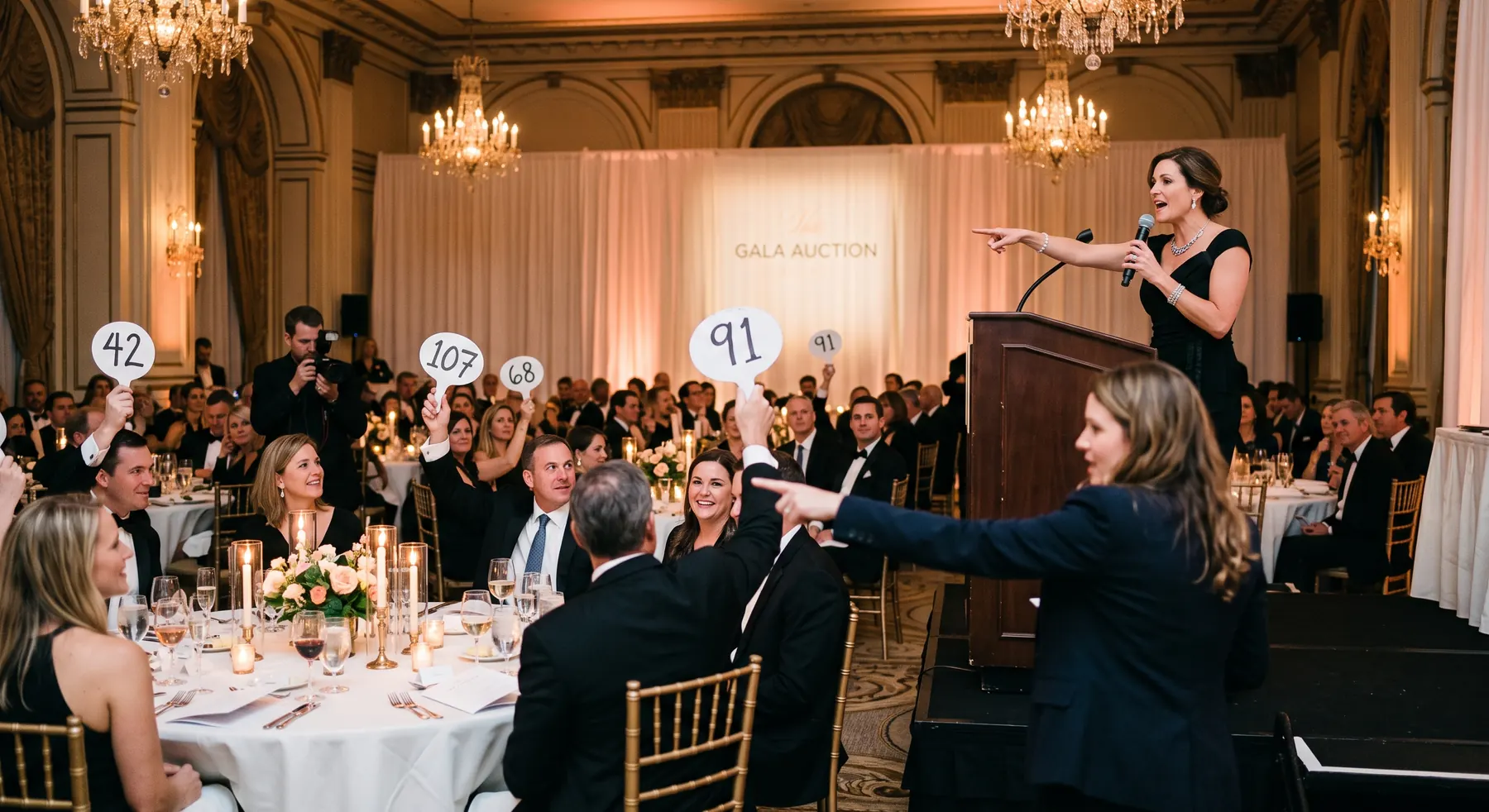
Charity Gala Run of Show: Where the Ask Goes
A gala's programme order decides what the night raises. Where the paddle raise belongs, what crowds it out, and how to run the auctions so they feed the ask instead of fighting it.
Nicole Dreyer · Sep 25, 2026

How to Schedule a Shoot Day: Call Times, Setups, and Company Moves
A shoot day is scheduled in setups, not shots. How to set call times, what a lighting setup and a company move really cost, and why the meal break is the hardest line on the day.
Stephan Dreyer · Sep 25, 2026

How to Write a Board Meeting Agenda That Keeps Time
Consent agendas, timeboxing, and the decide-discuss-inform split: how to structure a board agenda so the important item is not the one squeezed into the last four minutes.
Stephan Dreyer · Sep 20, 2026
Common questions
Can I manage multiple client events at once?
Yes — Premium has unlimited events, each with its own timeline, contacts, and share link. Most planners keep every active client event in Chronolio and switch between them in one click.
Can I reuse my timeline structures between events?
Yes. Save any timeline as a private template and start new events from it — your running order, categories, and standard durations carry over, then the AI adapts them to the new date and details.
Do my clients and vendors need accounts?
No. You share a public link; they see a clean, read-only, always-current timeline in any browser. On Premium the link is watermark-free and carries your professional presentation.