







Chronolio for Conferences
Parallel tracks, back-to-back speakers, AV changeovers, and a keynote that must not slip: conference agendas are precision machines. Chronolio keeps every gear meshed.
The problems you know too well
Parallel tracks multiply complexity
Three rooms running simultaneous sessions means one master schedule and three room-level views that all have to agree. Manual tools make you maintain them separately — and they disagree by day two, usually right when a session change matters most.
Speaker changes ripple everywhere
A speaker cancels, a panel runs long, lunch shifts 15 minutes. Every adjustment touches AV, catering, volunteers, and the printed program — and someone has to propagate it all, by hand, across every channel that has a copy.
Everyone needs a different slice
Attendees want the public agenda; AV wants changeover times; catering wants service windows; the MC wants the minute-by-minute run of show. One document can't serve them all — unless it's built to.
How Chronolio handles it
Draft the agenda with AI
Describe the event — "two-day product conference, 400 attendees, keynotes each morning, three breakout tracks, evening networking" — and get a structured agenda with sensible session lengths and breaks to refine, instead of guessing at durations from a blank grid.
Learn more about AI Timeline Generator →Categories as tracks
Model each track and function as a category — Main Stage, Track A, Track B, AV, Catering. The full machine stays visible in one timeline, filterable at a glance, instead of scattered across separate documents nobody cross-references under pressure.
Learn more about Categories & Icons →Shift a block, not thirty rows
When the keynote runs over, bulk-shift the affected sessions and let auto-sort keep the order true. The shared agenda link updates instantly for everyone holding it.
Learn more about Bulk Editing & Assignment →Run sheets for every team
Export polished schedules for speakers, volunteers, and AV crews, and share the live link for anyone who needs the always-current version — the printed program is the only artifact that can't update itself, and now it's the only one that has to.
Learn more about Exports →Sample timeline: Conference day one
Generate a timeline like this for your own event in seconds — try it free.
Free planning guides & templates
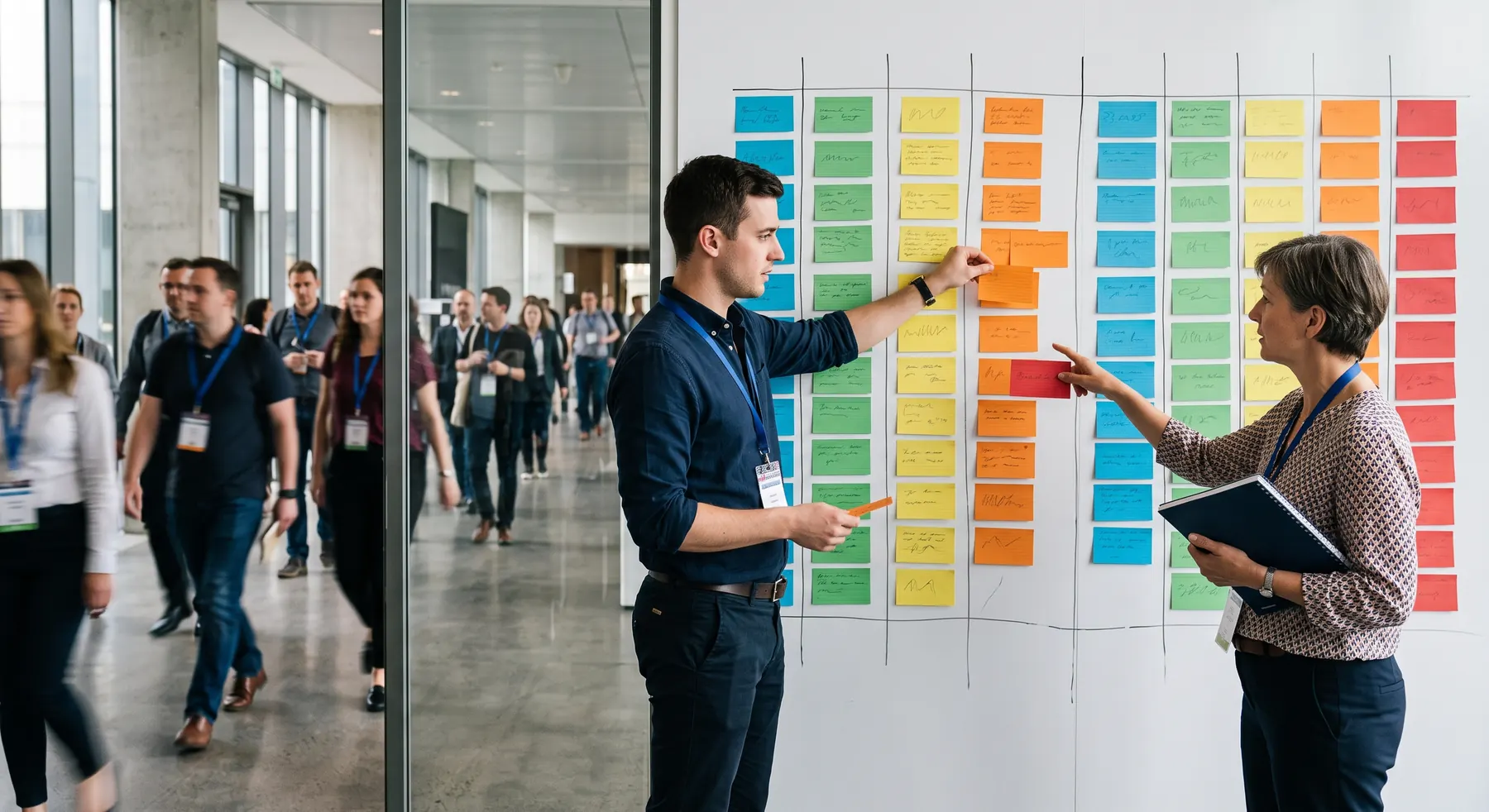
How to Build a Multi-Track Conference Schedule
Session collisions, room capacity mismatches, and transition time: the four structural problems in every multi-track conference agenda, and how to schedule around them.
Stephan Dreyer · Sep 20, 2026

Developer Conference Timeline Template (Free Schedule)
A developer conference timeline and schedule template designed for tech events, featuring keynotes, product demos, coding challenges, and evening socials.
Stephan Dreyer · Jul 23, 2026

Creative Industry Conference Timeline: Free Agenda Template
Creative industry conference timeline template designed for event planners, creative directors, and agencies running high-impact design and creative events.
Stephan Dreyer · Jul 20, 2026
Common questions
Can I manage parallel session tracks?
Yes — model tracks as categories within one timeline so the master schedule and per-track views always agree.
How do I handle last-minute speaker changes?
Edit the session inline or tell the AI what changed; bulk editing shifts affected sessions and every shared link reflects the update immediately.
Can attendees see the agenda without downloading anything?
Yes — the public share link opens in any browser, no account or app required.