This Template at a Glance
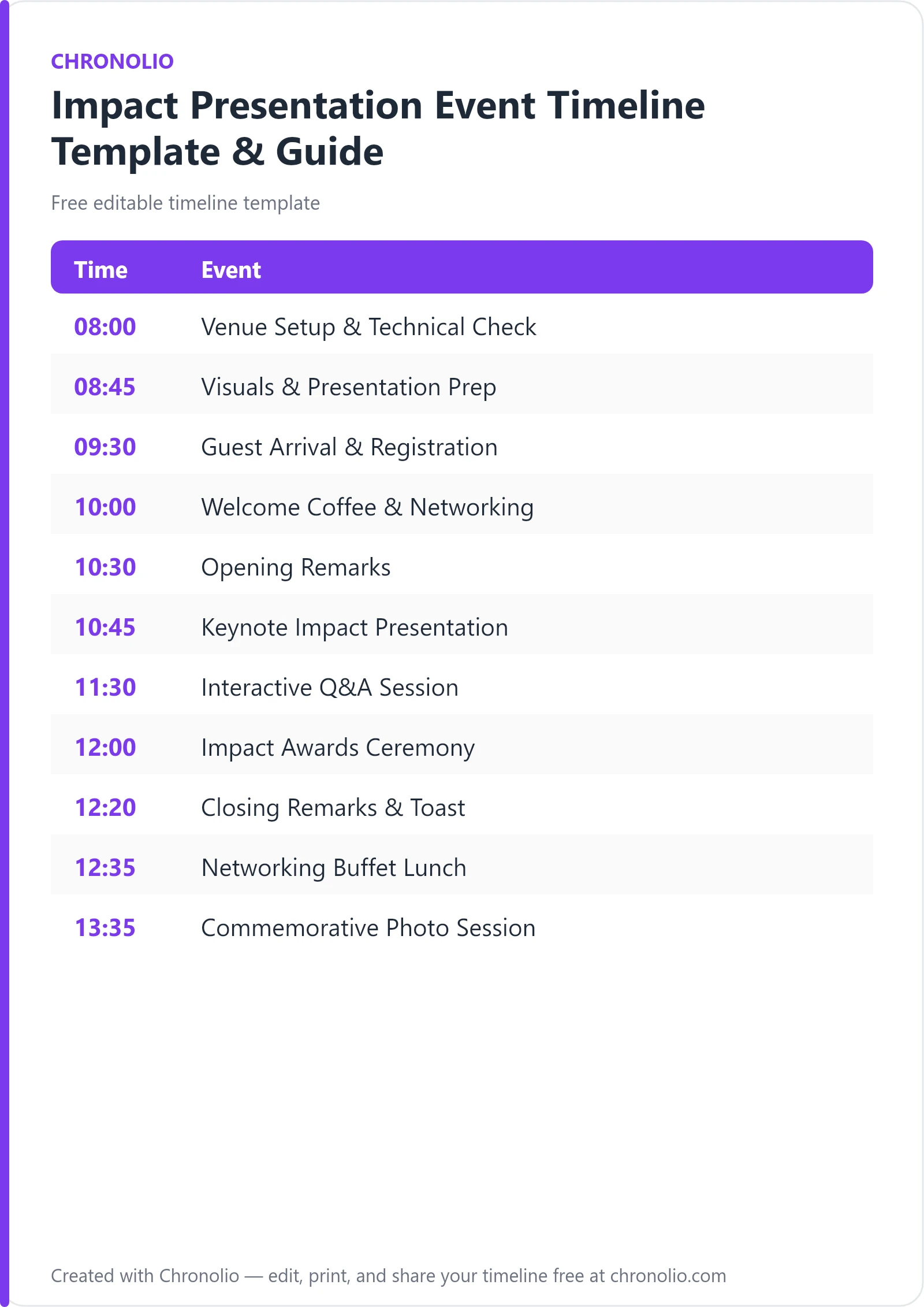
Here is the complete schedule this free template gives you — every time block, ready to edit, download, and share:
| Time | Event |
|---|---|
| 08:00 | Venue Setup & Technical Check |
| 08:45 | Visuals & Presentation Prep |
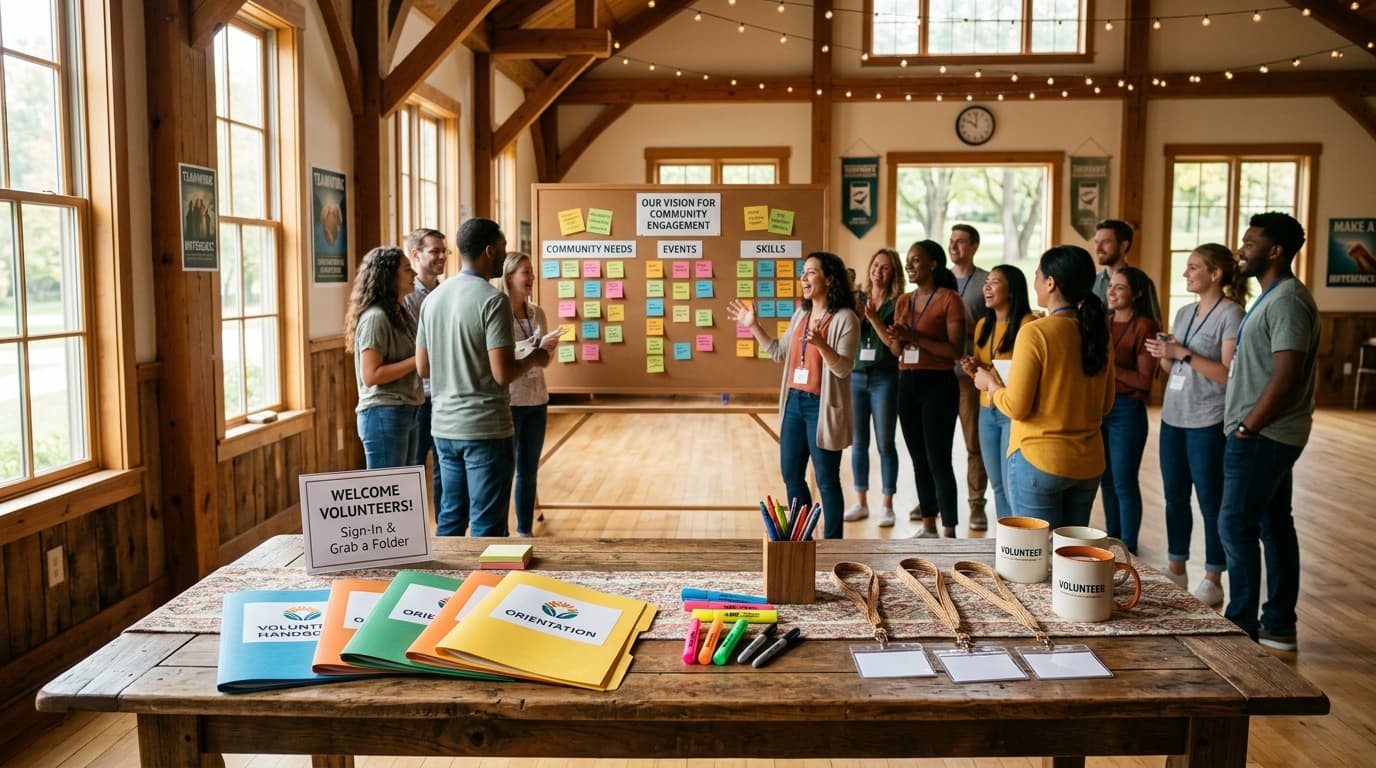
| 09:30 | Guest Arrival & Registration |
| 10:00 | Welcome Coffee & Networking |
| 10:30 | Opening Remarks |
| 10:45 | Keynote Impact Presentation |
| 11:30 | Interactive Q&A Session |
| 12:00 | Impact Awards Ceremony |
| 12:20 | Closing Remarks & Toast |
| 12:35 | Networking Buffet Lunch |
| 13:35 | Commemorative Photo Session |
What Is an Impact Presentation Event Timeline?
An impact presentation event timeline is a minute-by-minute operational schedule that synchronizes technical stage production, data-driven keynotes, audience participation, and high-level networking. When presenting organizational metrics, grant outcomes, or community reach to stakeholders, precision is paramount. This specialized schedule ensures that your AV control booth, master of ceremonies, lead presenters, and catering team execute their responsibilities in complete harmony.
Having planned dozens of high-stakes stakeholder gatherings, I know that raw data alone won't move an audience. To inspire trust, your quantitative findings must be framed within an impeccably timed stage experience. Similar to how executive teams prepare for quarterly governance using a structured board meeting timeline template, non-profit leaders and enterprise teams must manage every segment of their presentation with rigorous intent. This master timeline reflects battle-tested industry standards for impact reporting, giving your speakers the platform they need to deliver maximum message resonance.
Use This Impact Presentation Event Timeline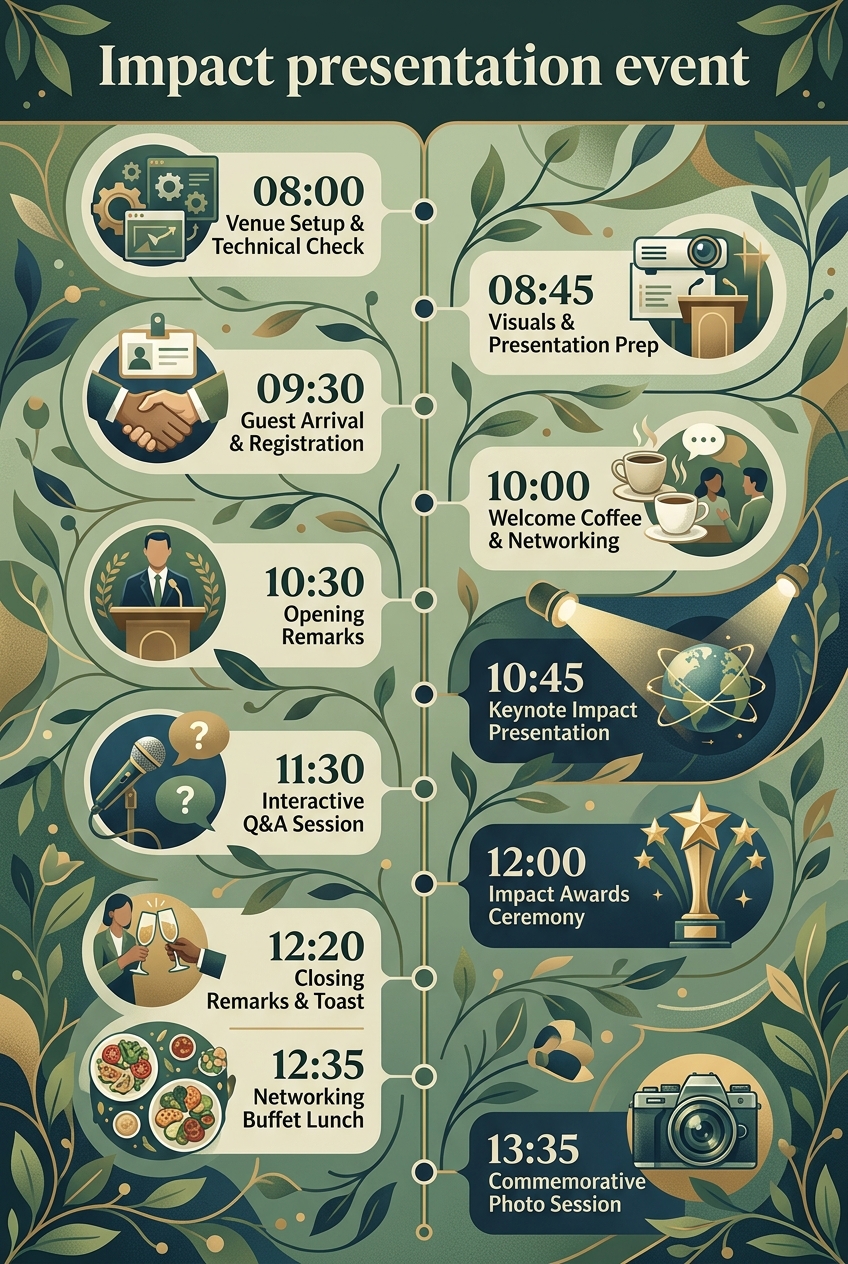
Why Impact Presentation Events Need a Timeline
High-stakes presentations carry zero margin for technical error or poor pacing. When key stakeholders, major philanthropists, and media members gather, unscripted delays erode organizational credibility. A structured timeline keeps the entire event team aligned, ensuring that audiovisual cues hit on time and stage transitions happen without awkward pauses.
Furthermore, dynamic elements like audience Q&A and awards ceremonies naturally threaten to run over time. Having run complex live events, I can attest that unmanaged speech timing frustrates attendees and truncates critical networking sessions. Allocating fixed time blocks for registration, keynote speeches, interactive dialogue, and lunch guarantees that your core impact message is delivered completely while respecting your guests' busy schedules.
Finally, explicit scheduling protects your technical crew. Your lighting engineers, sound technicians, and media teams need designated windows for line checks and video formatting. Providing clear countdowns reduces production anxiety in the control booth, ensuring smooth slide deck changes and crisp audio levels throughout the morning.
What to Include in an Impact Presentation Event Timeline
To deliver a polished presentation experience, your operational schedule should account for four distinct phases of execution:
- Technical Setup & Visual Media Checks: Sound checks, light focus, slide deck loading, and video aspect ratio verification in the main auditorium and control booth.
- Guest Welcome & Registration Flow: Foyer check-in, badge distribution, warm-up beverage service, and background ambient audio.
- Formal Stage Program: MC opening comments, data-heavy keynote presentation, embedded media playouts, and moderated audience Q&A.
- Celebration & Network Building: Contributor award presentations, executive director toast, catered buffet lunch, and commemorative photo opportunities.
Technical Setup & Visuals Preparation
| Time | Event |
|---|---|
| 08:00 | Venue Setup & Technical Check |
| 08:45 | Visuals & Presentation Prep |
The success of any impact presentation hinges on early preparation in the venue. Beginning at 08:00 in the Main Auditorium, the technical crew conducts comprehensive sound level checks on wireless lavaliers and handheld microphones. Sound engineers test speaker monitors, fine-tune room acoustics, and orient stage lighting to ensure presenters are clearly visible without casting harsh shadows across the main screen.
At 08:45, production focus shifts to the AV Control Booth for presentation deck prep. Presenters step through their slide decks alongside the visual technician, testing embedded short video clips, dynamic infographics, and slide transitions. This dedicated 45-minute dry run eliminates last-minute resolution issues, fixes formatting bugs, and establishes a clear clicker pace before the auditorium doors open.
+-----------------------------------------------------------------------+ | PRE-SHOW RUNTIME FLOW | | | | 08:00 - 08:45 08:45 - 09:30 09:30 - 10:00 | | [ Tech & Sound Check ] -> [ Slide & Media Prep ] -> [ Foyer Check-in ]| +-----------------------------------------------------------------------+
Guest Reception & Foyer Networking
| Time | Event |
|---|---|
| 09:30 | Guest Arrival & Registration |
| 10:00 | Welcome Coffee & Networking |
At 09:30, doors open in the Auditorium Foyer to welcome arriving guests, board members, and community leaders. Stationed ushers manage check-in tables, distribute printed event agendas, and issue personalized name badges. Efficient registration queue management keeps the foyer clear and maintains an inviting, professional atmosphere.
Transitioning directly into morning refreshments at 10:00, guests gather over coffee and tea while engaging in informal dialogue. Playing soft ambient music through the foyer speakers sets a conversational tone. This half-hour window gives attendees time to connect before ushers chime doors, guiding everyone into the main hall to claim their seats prior to stage lights up.
Stage Program, Keynote Speech & Interactive Q&A
| Time | Event |
|---|---|
| 10:30 | Opening Remarks |
| 10:45 | Keynote Impact Presentation |
| 11:30 | Interactive Q&A Session |
The formal presentation commences promptly at 10:30 on the Main Stage. The master of ceremonies welcomes the audience, frames the agenda, and sets expectations for audience participation. Brief opening remarks build anticipation and orient attendees on how key metrics will be presented across the session.
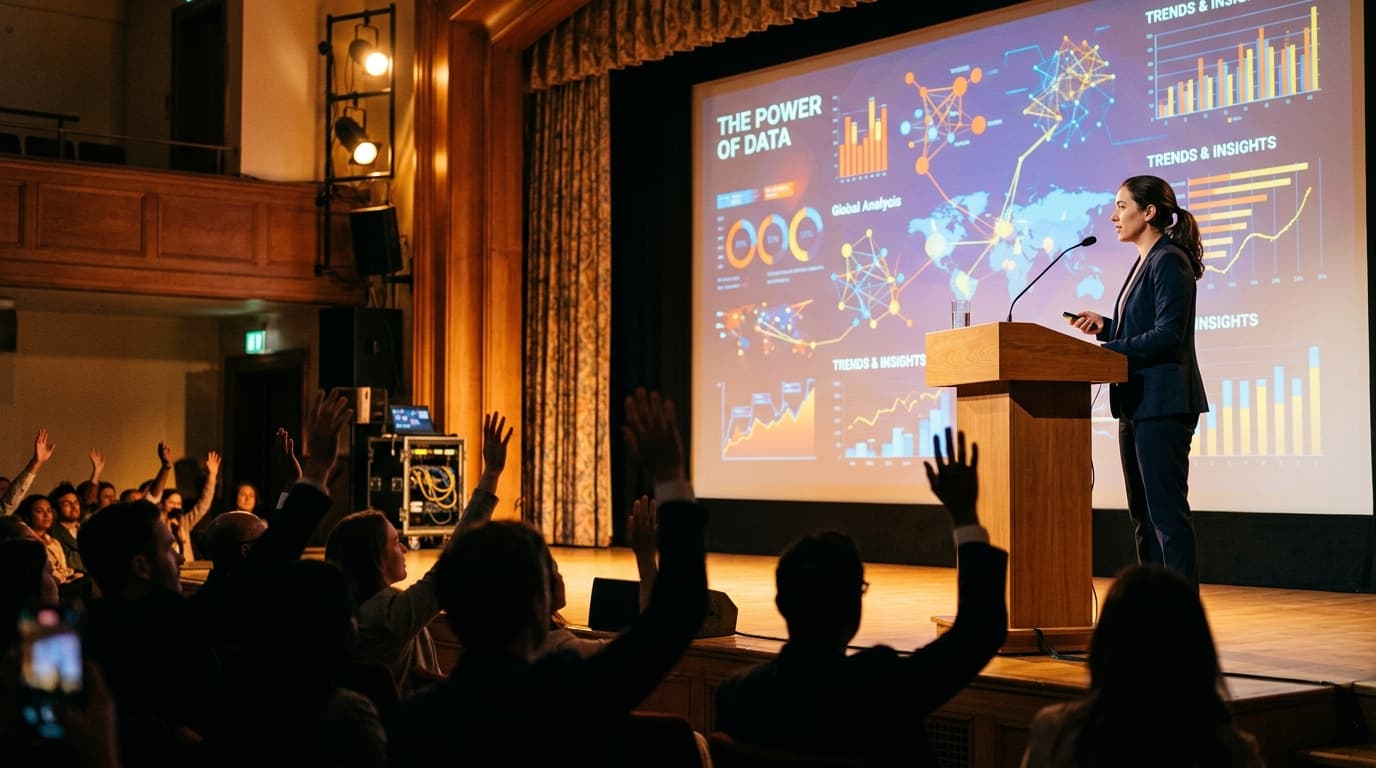
At 10:45, the lead presenter takes the stage to deliver the central impact keynote. Supported by high-resolution charts and high-impact visual slides, the speaker articulates key performance indicators, grant reach, and community outcomes. According to presentation guidelines published by Stanford Social Innovation Review, pairing quantitative metrics with human storytelling dramatically increases retention among donors and policy stakeholders.
+-----------------------------------------------------------------------+ | FORMAL STAGE TIMELINE | | | | 10:30 - 10:45 10:45 - 11:30 11:30 - 12:00 | | [ MC Opening ] ---> [ Keynote Speech & Data ] -> [ Roving Mic Q&A ] | +-----------------------------------------------------------------------+
Following the address, the stage transitions at 11:30 to an interactive Q&A session. Assigned floor assistants with roving microphones move between aisles, allowing audience members to ask direct questions of the panel. Timekeeping monitors visible from the stage keep answers focused, ensuring the session stays strictly within its 30-minute block.
Recognitions, Lunch & Event Finale
| Time | Event |
|---|---|
| 12:00 | Impact Awards Ceremony |
| 12:20 | Closing Remarks & Toast |
| 12:35 | Networking Buffet Lunch |
| 13:35 | Commemorative Photo Session |
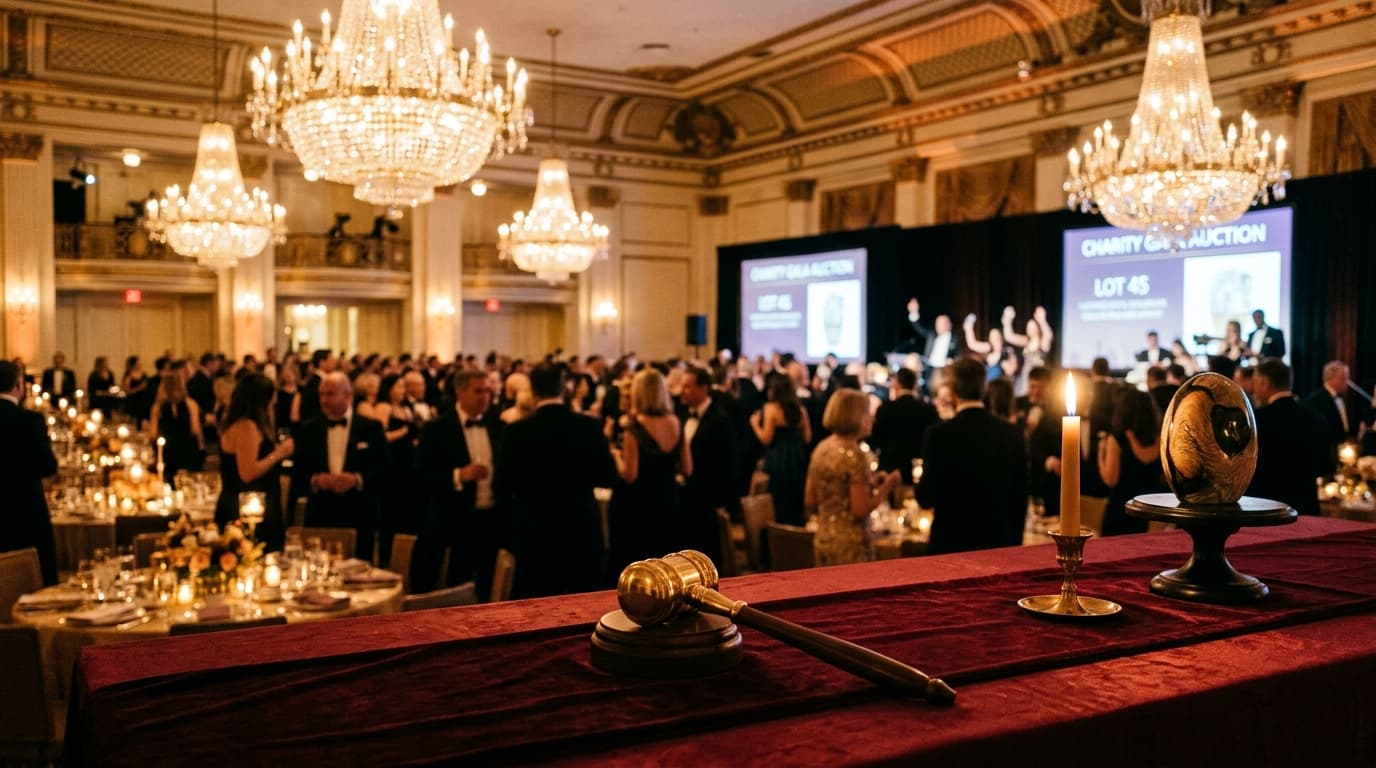
At 12:00, the tone shifts from analysis to celebration with the Impact Awards Ceremony on the Main Stage. Outstanding contributors, community partners, and key sponsors are brought to the stage to receive physical award plaques and public recognition. Keeping commendations focused maintains enthusiasm and keeps the timeline moving efficiently.
At 12:20, the executive director delivers closing thoughts, summarizing key achievements and outlining future initiatives. The presentation concludes with a celebratory glass raise, thanking supporters for their dedication. Much like the structured close of a corporate celebration planned using an anniversary party schedule template, a crisp closing toast provides a warm transition from formal stage programming to social dining.
+-----------------------------------------------------------------------+ | NETWORKING & CLOSING FLOW | | | | 12:00 - 12:20 12:20 - 12:35 12:35 - 13:35 | | [ Awards Ceremony ]->[ Executive Toast]->[ Catering Buffet Lunch ] | +-----------------------------------------------------------------------+
At 12:35, guests transition to the Dining Hall for a hot catered buffet lunch. This unhurried hour allows attendees to discuss the presentation's findings, network with executives, and explore partnership opportunities. Finally, at 13:35, award recipients, board members, and organizers assemble on the Auditorium Steps for official press and marketing group photos, bringing the formal gathering to a memorable close.
Impact Presentation Event Timeline vs Event Running Order
Event planners frequently confuse an overarching event timeline with a stage running order. While both tools track time, they serve different management purposes during event execution:
| Feature | Impact Event Timeline | Stage Running Order |
|---|---|---|
| Primary Scope | Whole venue lifecycle (setup, foyer, main hall, lunch) | Stage and control booth activities only |
| Primary Audience | Event Director, Venue Managers, Caterers, PR Team | MC, Stage Manager, AV Crew, Lighting Techs |
| Detail Focus | Phase transitions, guest movement, meal start times | Cue-to-cue mic changes, slide triggers, lighting presets |
| Flexibility | Buffers built in for guest arrivals & networking | Strict second-by-second stage cues |
An impact presentation event timeline governs the entire ecosystem, ensuring venue staff, registration teams, and catering managers work in tandem. Conversely, a running order focuses solely on the technical triggers occurring on stage and inside the sound booth.
Who Should Use This Template?
This structured schedule template is built specifically for organizers and executive leaders who need to present data-rich progress reports to external stakeholders. It is ideal for:
- Non-Profit Executives & Advancement Teams: Presenting annual grant impacts to major donors, trustees, and institutional funders.
- Corporate Social Responsibility (CSR) Leads: Demonstrating environmental, social, and governance (ESG) performance to shareholders.
- Research Institutes & University Directors: Presenting academic research outcomes, scientific breakthroughs, and community extension work.
- Social Enterprises & Impact Investors: Pitching double-bottom-line financial and social returns to venture philanthropists.
- Government & Public Sector Agencies: Sharing community health, infrastructure, or social policy metrics with public representatives.
Whether you are managing stage crews, coordinating caterers, or brief key presenters, Chronolio offers tailored solutions across various organizational roles to keep your team aligned. For events that incorporate social galas or donor recognition dinners, this timeline seamlessly pairs with our birthday party timeline template or a structured christian wedding timeline for handling complex multi-course catering schedules.
How to Use This Template
- Download the File: Save a copy to your drive in your preferred format using our direct Impact Presentation Event Word Template or Impact Presentation Event PDF Guide.
- Set Your Target Keynote Time: Establish the fixed start time for your main address and build out setup windows and coffee receptions backward from that anchor moment.
- Customize Audio-Visual Touchpoints: Work with your AV vendor to detail exact slide loading times, video formats, and microphone assignments.
- Distribute to Key Stakeholders: Share the finalized timeline with venue operators, caterers, the MC, and panel speakers at least 48 hours prior to setup.
- Assign a Dedicated Timekeeper: Ensure an assistant or stage coordinator is tasked with holding speakers to their visual cue cards during live presentation blocks.
Tips for a Successful Impact Presentation Event
- Conduct a Complete Technical Dry Run: Never test presentation slides for the first time while guests are registering in the foyer. Use the 08:45 AV prep block to test video sound levels and formatting.
- Limit Slide Deck Text: Visual infographics beat heavy text blocks. According to presentation studies referenced by Harvard Business Review, audiences retain complex metrics better when key numbers are presented simply alongside real-world stories.
- Deploy Roving Microphone Handlers: Station trained volunteers on both sides of the main auditorium during Q&A to pass microphones quickly, keeping momentum high.
- Display Clear Stage Timecards: Give keynote speakers live countdown monitors or clear handheld time signals at 10, 5, and 2 minutes to prevent speech overruns.
- Reserve Front Row Seating for Award Winners: Avoid long stage walks by seating honorees in designated front rows near stage access stairs.
- Keep Refreshments Close to Registration: Positioning coffee stations deep within the foyer draws arriving guests away from entrance doorways, reducing lobby bottlenecking.
Common Mistakes to Avoid
- Skipping Slide Transition Rehearsals: Assuming slide clickers will work automatically without testing wireless signals from the stage podium often causes awkward live delays.
- Overcrowding Keynote Presentations: Packing too many statistical metrics into a single speech causes audience fatigue. Focus on 3 to 5 headline findings.
- Ignoring Q&A Time Discipline: Allowing the first audience questioner to give a long speech cuts off other participants and delays the awards ceremony.
- Underestimating Catering Buffer Times: Transitioning 150+ guests from an auditorium to a dining hall takes at least 10 to 15 minutes; build adequate transition time into the schedule.
- Failing to Brief the Master of Ceremonies: An unbriefed MC may miss critical speaker introductions or fail to announce upcoming program transitions clearly.
In Summary
- Purpose: Synchronizes setup, keynote speech timing, audiovisual cues, Q&A, and networking lunch into one unified master schedule.
- Key Technical Buffer: Allocates 90 minutes before guest arrival specifically for stage lighting, microphone sound checks, and presentation deck formatting.
- Core Presentation Window: Reserves an uninterrupted 45-minute stage block for data-driven keynote impact reporting.
- Interactive Element: Provides 30 minutes of moderated Q&A using roving microphones to maximize audience engagement.
- Social & Recognition Phase: Integrates a structured awards ceremony, closing toast, and catered buffet lunch to build lasting community relationships.
- Format Availability: Completely editable directly on Chronolio or downloadable as a custom Word document or printable PDF.
Executing an exceptional presentation requires balancing powerful quantitative data with crisp live production. By adhering to a rigorous timeline, keeping speech timing disciplined, and preparing visual decks early, your team can deliver an engaging experience that inspires stakeholders and secures ongoing support.
Use This Impact Presentation Event Timeline