This Template at a Glance
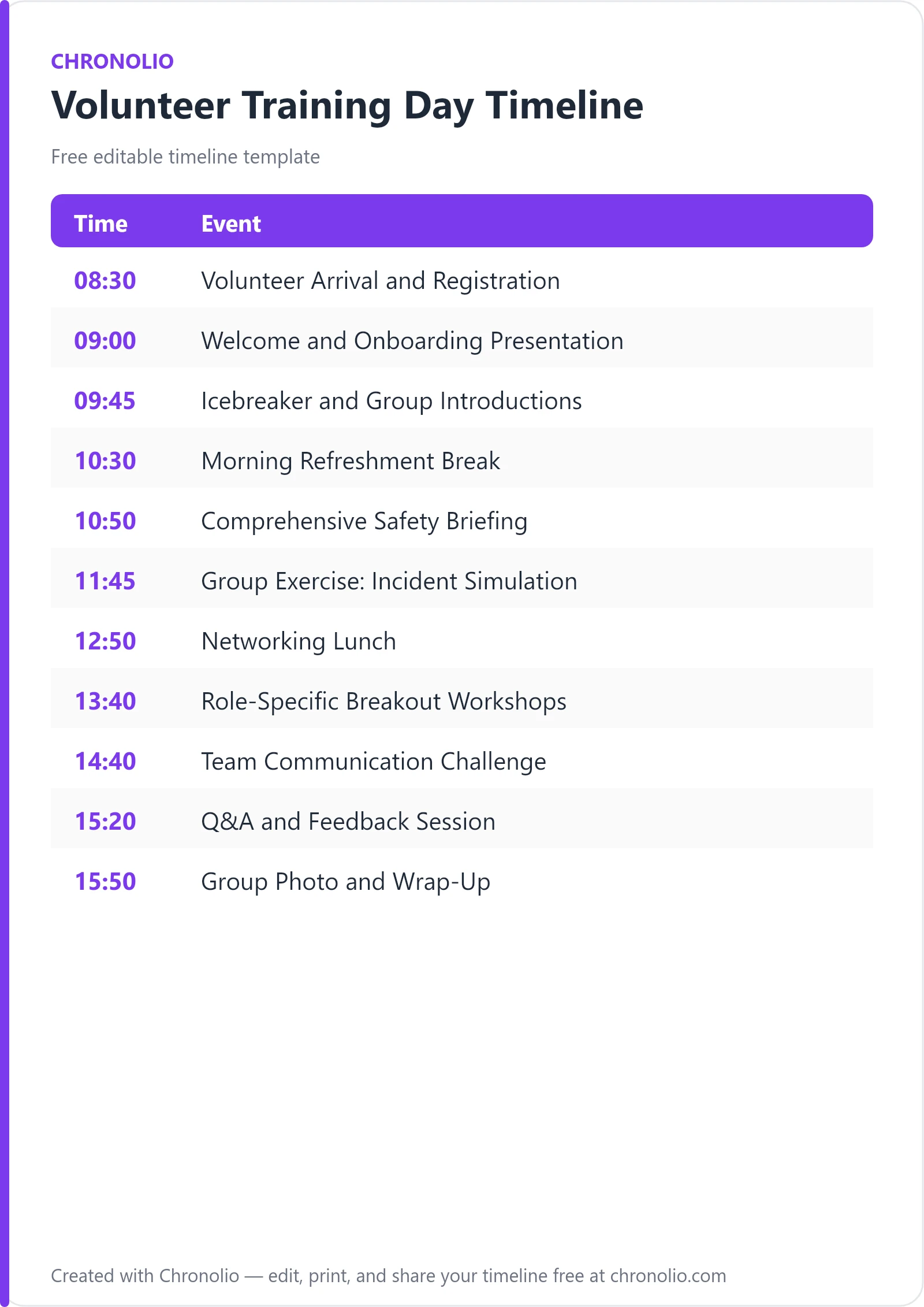
Here is the complete schedule this free template gives you — every time block, ready to edit, download, and share:
| Time | Event |
|---|---|
| 08:30 | Volunteer Arrival and Registration |
| 09:00 | Welcome and Onboarding Presentation |
| 09:45 | Icebreaker and Group Introductions |
| 10:30 | Morning Refreshment Break |
| 10:50 | Comprehensive Safety Briefing |
| 11:45 | Group Exercise: Incident Simulation |
| 12:50 | Networking Lunch |
| 13:40 | Role-Specific Breakout Workshops |
| 14:40 | Team Communication Challenge |
| 15:20 | Q&A and Feedback Session |
| 15:50 | Group Photo and Wrap-Up |
What Is a Volunteer Training Day Timeline?
A volunteer training day timeline is a structured, time-mapped master agenda designed to guide community members, non-profit staff, and event helpers through onboarding, safety compliance, and practical role preparation. Managing volunteer energy requires careful pacing; unlike paid staff who undergo multi-week orientations, volunteers need to absorb critical information rapidly while staying inspired by your mission.
Drawing from years of running large-scale community orientations, this schedule balances high-level mission alignment with tactical field training. Much like setting up a formal corporate agenda with a board meeting timeline, a well-designed volunteer day balances formal presentations with open discussion. By clearly delineating arrival check-in, safety briefings, scenario practice, and networking breaks, you ensure every participant leaves fully prepared, confident in their responsibilities, and enthusiastic about contributing to your organization.
Customize Your Volunteer Training Day Timeline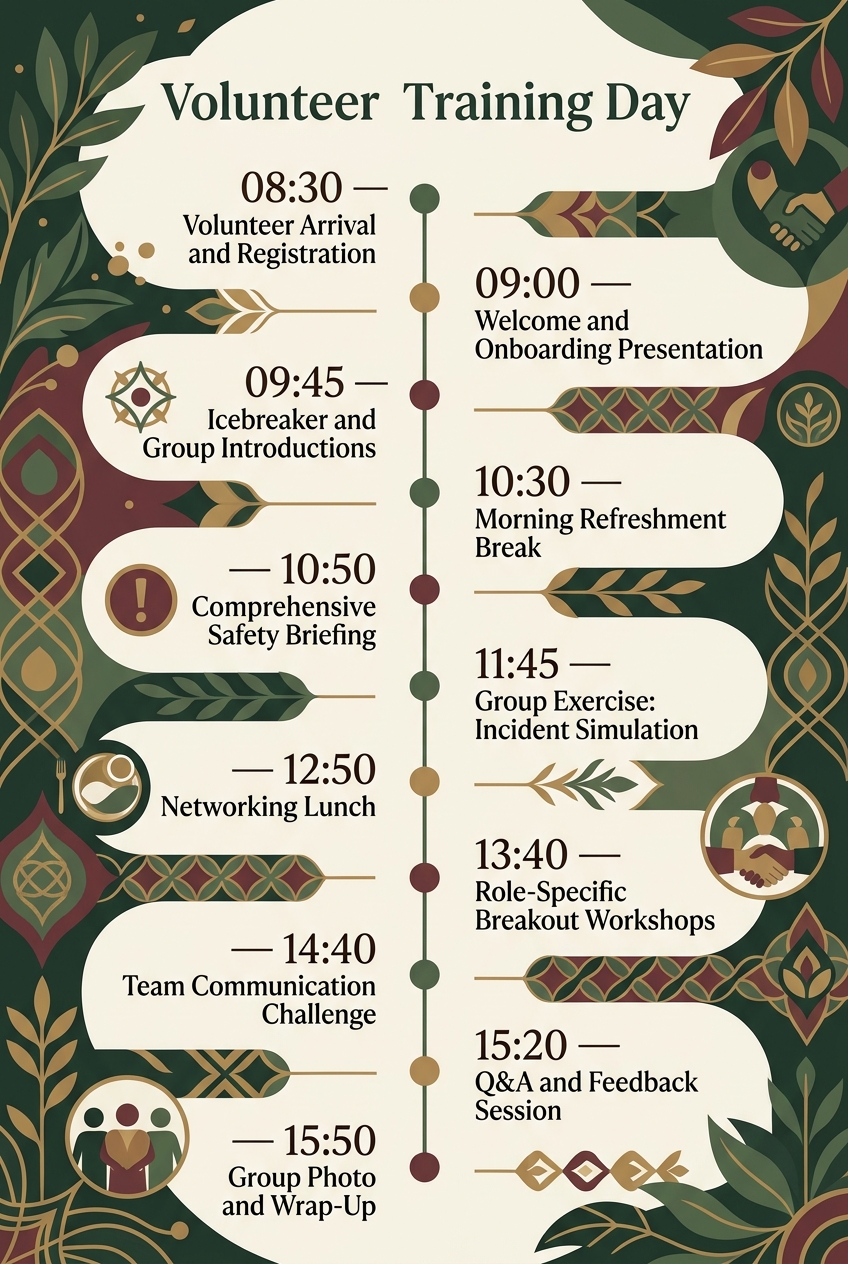
Why Volunteer Training Days Need a Timeline
Running a smooth orientation day is essential for long-term volunteer retention. Volunteers give their personal time freely, and nothing diminishes enthusiasm faster than chaotic logistics, late starts, or rushed safety information. A well-constructed schedule establishes professional credibility from the minute participants step into your lobby.
- Maximizes Information Retention: Pacing sessions with structured refreshment breaks ensures attendees remain focused during critical compliance and safety modules.
- Ensures Multi-Room Coordination: Synchronizing auditorium sessions, small group breakout spaces, and outdoor exercises prevents traffic bottlenecks across your venue.
- Respects Volunteer Commitment: Setting defined start and end times shows deep respect for your volunteers' personal schedules, encouraging higher attendance and repeat involvement.
- Aligns Facilitators and Guest Speakers: Giving session leads explicit time limits keeps guest presenters on track and prevents downstream delays during interactive drills.
When your venue management and facilitator team follow an aligned schedule, participants feel supported, safe, and valued throughout their onboarding journey.
What to Include in a Volunteer Training Day Timeline
To deliver a well-rounded orientation experience, your training day schedule should incorporate several essential components:
- Welcome and Registration: Clear sign-in logistics, name tag distribution, and welcoming refreshment stations.
- Mission and Onboarding Presentation: High-level overview of community impact, organizational values, and program goals.
- Icebreakers and Team Building: Low-stakes interactive activities to foster peer connections and build team cohesion.
- Safety and Compliance Briefing: Mandatory hazard identification, emergency response protocols, and workplace guidelines.
- Interactive Incident Simulations: Hands-on scenario drills allowing volunteers to apply safety protocols in real time.
- Catered Networking Lunch: Informal social time to connect trainees with veteran volunteer leads and program directors.
- Specialized Breakout Workshops: Targeted training focused on specific roles, equipment, or team assignments.
- Field Communication Challenges: Interactive exercises designed to test team coordination under simulated field conditions.
- Q&A, Feedback, and Recognition: Structured open-floor discussion followed by formal certificate distribution and group photo.
Morning Onboarding and Team Integration
| Time | Event |
|---|---|
| 08:30 | Volunteer Arrival and Registration |
| 09:00 | Welcome and Onboarding Presentation |
| 09:45 | Icebreaker and Group Introductions |
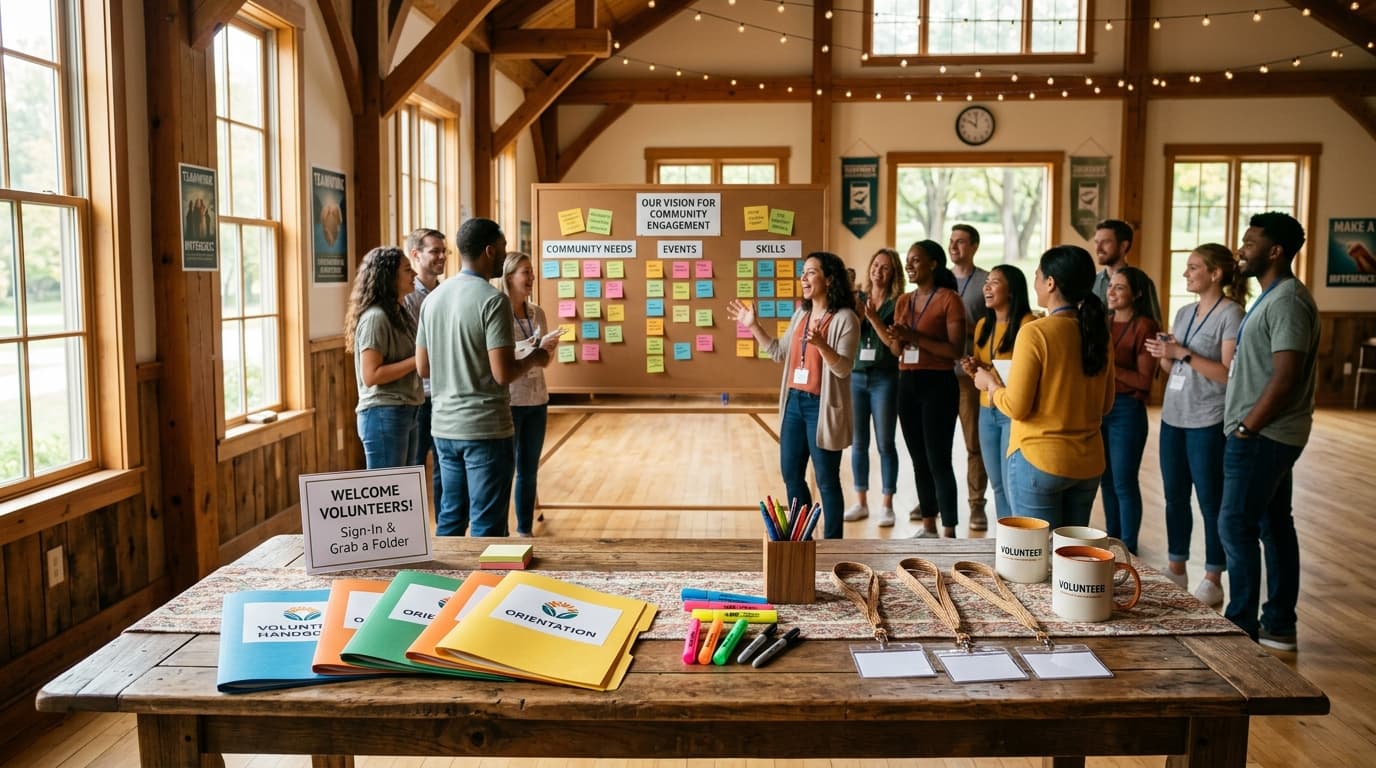
The early morning hours set the tone for the entire volunteer experience. Opening registration at 08:30 in the Main Entrance Lobby allows buffer time for participants to check in, receive branded lanyards, collect physical training packets, and grab a warm cup of coffee. Setting a relaxed pace during check-in reduces lobby congestion and prevents late arrivals from disrupting the opening address.
At 09:00, move all participants into Auditorium A for the primary welcome session. This presentation grounds everyone in your core mission, detailing community impact and setting clear behavioral expectations. Following the presentation, transition directly into structured icebreaker exercises at 09:45. Breaking down social barriers early encourages open communication, which pays massive dividends later during complex group simulations.
Safety Protocols and Scenario Training
| Time | Event |
|---|---|
| 10:30 | Morning Refreshment Break |
| 10:50 | Comprehensive Safety Briefing |
| 11:45 | Group Exercise: Incident Simulation |
After an intensive morning session, transition to the Community Lounge at 10:30 for a 20-minute refreshment break. Physical movement and caffeine recharge mental focus right before entering compliance-heavy topics.
At 10:50, gather participants in Training Room 1 for the comprehensive safety briefing. Safety briefings must be engaging and direct, covering emergency evacuations, site hazards, and reporting channels. Rather than relying solely on lecture slides, follow up immediately at 11:45 with a practical incident simulation. This hands-on group exercise forces trainees to apply emergency response protocols to realistic operational scenarios, transforming theoretical knowledge into practical confidence.
Midday Networking and Specialization Workshops
| Time | Event |
|---|---|
| 12:50 | Networking Lunch |
| 13:40 | Role-Specific Breakout Workshops |
At 12:50, host a complimentary buffet in the Dining Hall. Lunch is more than a meal break; it serves as a critical networking opportunity where new trainees mix informally with senior staff and team leads. Creating a relaxed, celebratory atmosphere here mirrors the welcoming environment found in a community celebration like an anniversary party schedule.
At 13:40, divide the cohort into Breakout Rooms B & C for targeted, role-specific workshops. Smaller room environments allow instructors to teach specialized tools, software, or event logistics tailored directly to specific team roles (e.g., check-in marshals, hospitality team, or first-aid guides).
Practical Challenges, Feedback, and Recognition
| Time | Event |
|---|---|
| 14:40 | Team Communication Challenge |
| 15:20 | Q&A and Feedback Session |
| 15:50 | Group Photo and Wrap-Up |
At 14:40, move the entire cohort outside to the Outdoor Courtyard for a high-energy communication challenge. Getting participants outdoors offers a physical reset while testing field communication skills, active listening, and problem-solving under outdoor event conditions.
At 15:20, return to Auditorium A for a structured Q&A and feedback session. Opening the floor allows volunteers to seek clarification on policy details and provide real-time input on their training experience. Finally, gather everyone on the Main Entrance Steps at 15:50 for a commemorative group photo and certificate presentation. Concluding with formal recognition ensures volunteers depart feeling appreciated, empowered, and fully prepared for service.
Volunteer Training Day Timeline vs Volunteer Training Running Order
Organizers often confuse a high-level timeline with a operational running order. Understanding the distinction helps non-profit coordinators communicate effectively across different team roles.
| Feature | Volunteer Training Day Timeline | Facilitator Running Order |
|---|---|---|
| Primary Audience | Volunteers, attendees, general public | Event director, room facilitators, AV tech team |
| Level of Detail | High-level session blocks and locations | Minute-by-minute cues, technical setups, AV prompts |
| Primary Goal | Communicates flow, expectations, and breaks | Ensures precise technical execution and timing |
| Format | Clean, readable 1-page summary | Multi-column detailed operational spreadsheet |
| Distribution | Emailed pre-event, printed in welcome packs | Kept on clipboards or tablets by staff leads |
While your volunteer training day schedule provides a broad outline for participants, venue staff depend on a technical running order behind the scenes to trigger lighting changes, arrange buffet tables, and manage microphone swaps between speakers.
Who Should Use This Template?
This training day structure is engineered for any organization relying on coordinated volunteer operations. Key verticals and teams that benefit from this framework include:
- Non-Profit Organizations & NGOs: Standardizing annual staff and volunteer intake sessions.
- Festival & Event Coordinators: Training large seasonal crews on crowd control, ticketing, and site logistics—similar to coordinating guest flow for large community events like a birthday party timeline.
- Disaster Relief & First Response Units: Briefing teams on rapid-deployment safety protocols and field coordination.
- Community Centers & Youth Programs: Onboarding mentors, coaches, and workshop facilitators.
- Healthcare & Hospital Auxiliaries: Orientation covering patient privacy, safety protocols, and facility navigation.
- Charity Fundraiser Committees: Aligning volunteer staff before major fundraising galas or walkathons.
Organizers can explore tailored features designed for different roles involved in setting up organizational schedules on Chronolio.
How to Use This Template
Setting up your training day agenda takes only a few minutes. Follow these simple steps to adapt this schedule for your event:
- Duplicate or Edit the Schedule: Click the edit button below to load this master layout into your Chronolio account.
- Set Your Target Date and Times: Adjust start and end times to match your venue access windows and transportation schedules.
- Assign Specific Venue Locations: Update room names (e.g., Auditorium A, Courtyard) to match your facility map.
- Export and Share: Download offline copies using our .docx template or .pdf template formats to distribute to facilitators and print for check-in packets.
- Brief Your Facilitators: Share the live link with room captains so everyone stays synchronized on the day of the event.
Tips for a Successful Volunteer Training Day
Over years of coordinating community teams, we have identified several field-tested strategies that guarantee a smooth training event:
- Over-Communicate Parking and Transport: Send arrival instructions, public transit routes, and parking codes 48 hours in advance to reduce late morning arrivals.
- Build in Strategic Buffer Time: Always add 5 to 10 minutes between major sessions to accommodate bio breaks and room transitions.
- Mix Passive and Active Learning: Avoid back-to-back lecture slides. Alternate classroom presentations with physical movement and hands-on drills.
- Provide Quality Catering: Generous food options and caffeine stations build goodwill and keep energy levels high throughout afternoon workshops.
- Assign Dedicated Room Captains: Station experienced staff in each breakout space to manage AV equipment and enforce strict session end times.
- Integrate Immediate Recognition: Handing out completion certificates at wrap-up elevates the experience, making volunteers feel valued from day one, much like celebrating milestones in a milestone gathering like a baby shower timeline.
Common Mistakes to Avoid
Even experienced volunteer coordinators can run into timing traps. Avoid these common operational mistakes:
- Overloading Morning Safety Lectures: Cramming two straight hours of policy reading into the morning causes cognitive fatigue. Break safety rules into practical scenario drills.
- Ignoring Venue Transit Times: Forgetting to account for the time it takes 50 people to walk from an indoor auditorium to an outdoor courtyard causes cumulative schedule delays.
- Rushing the Midday Lunch: Cutting lunch short to regain lost time damages team networking and leaves participants tired for afternoon workshops.
- Failing to Test AV Equipment Early: Technical glitches during the opening onboarding presentation throw off the entire morning timeline. Test projectors and microphones at 08:00 sharp.
- Leaving No Time for Q&A: Skipping the final Q&A session leaves volunteers uncertain about operational policies and emergency procedures.
- Omitting Team Leader Introductions: Volunteers need to clearly identify who their direct supervisors are before field operations begin.
In Summary
- Purpose: A structured 8-hour schedule guiding volunteers through onboarding, safety compliance, practical drills, and team building.
- Key Sessions: Registration, mission briefing, safety protocols, incident simulations, lunch, breakout workshops, field challenges, and recognition.
- Ideal For: Non-profits, community groups, disaster response teams, festival organizers, and healthcare charities.
- Pacing Strategy: Alternates passive classroom listening with active group scenarios and outdoor communication exercises.
- Engagement Driver: Incorporates interactive safety drills, catered networking, and instant completion recognition to maximize volunteer retention.
- Key Advantage: Keeps multi-room logistics organized, ensuring facilitators stay on time while respecting volunteer availability.
Whether you are launching an annual non-profit drive, preparing festival marshals, or organizing a disaster response team, this volunteer training day schedule keeps your entire organization aligned, safe, and motivated. For guidance on structuring formal organizational models, review industry standards on volunteer management on VolunteerMatch or explore community engagement frameworks via Points of Light.
Customize Your Volunteer Training Day Timeline